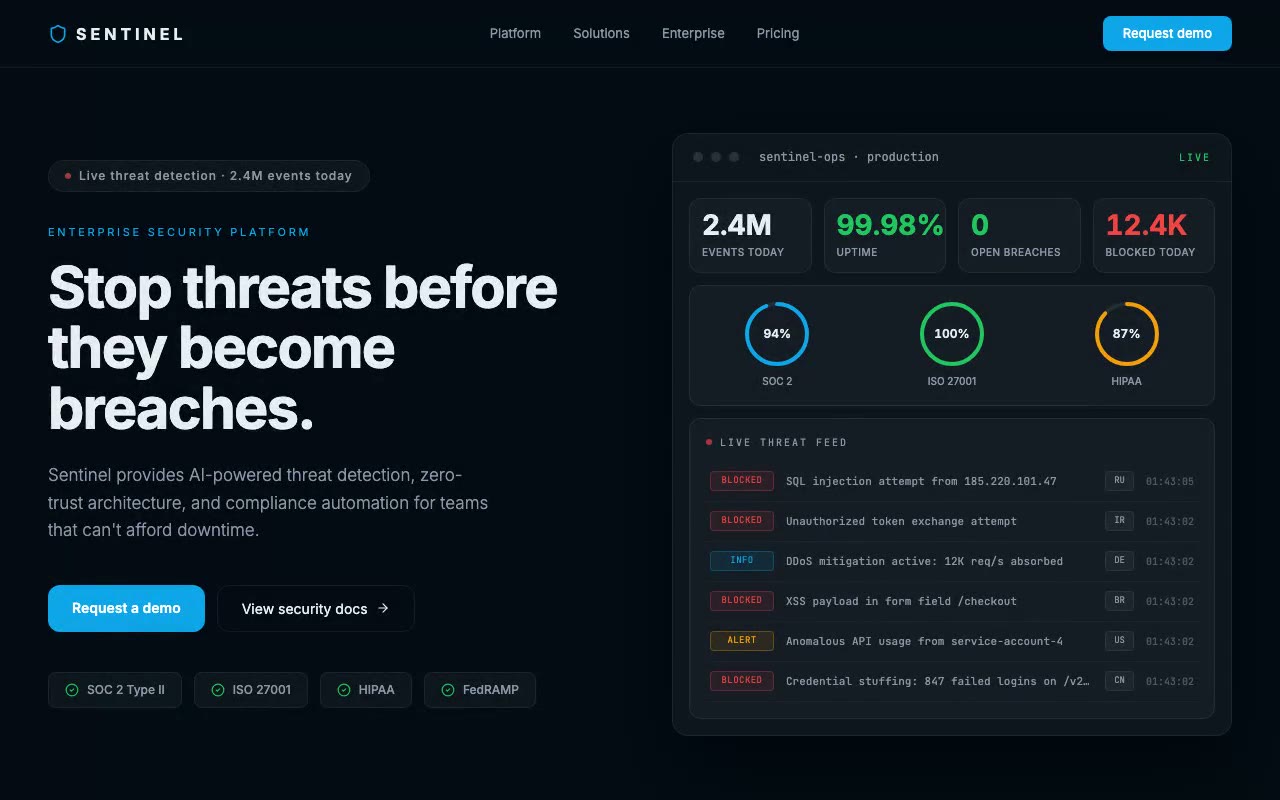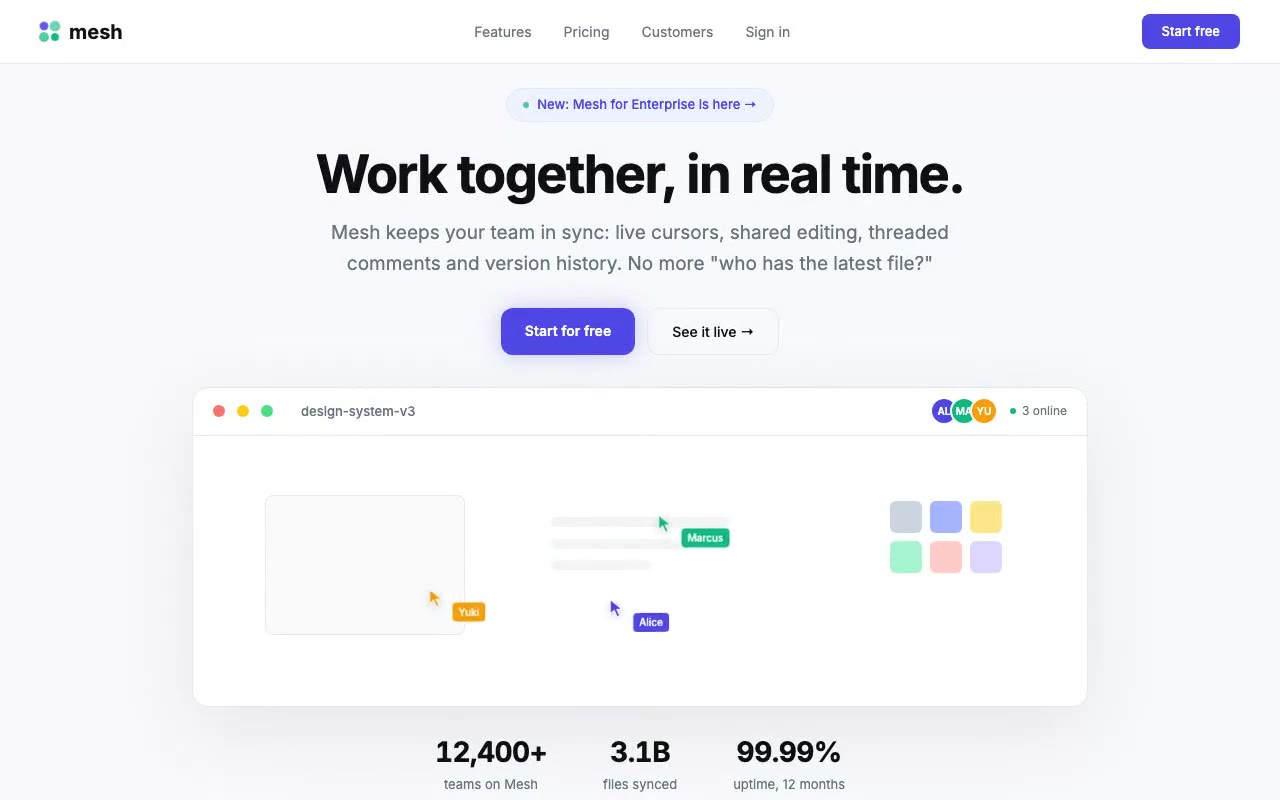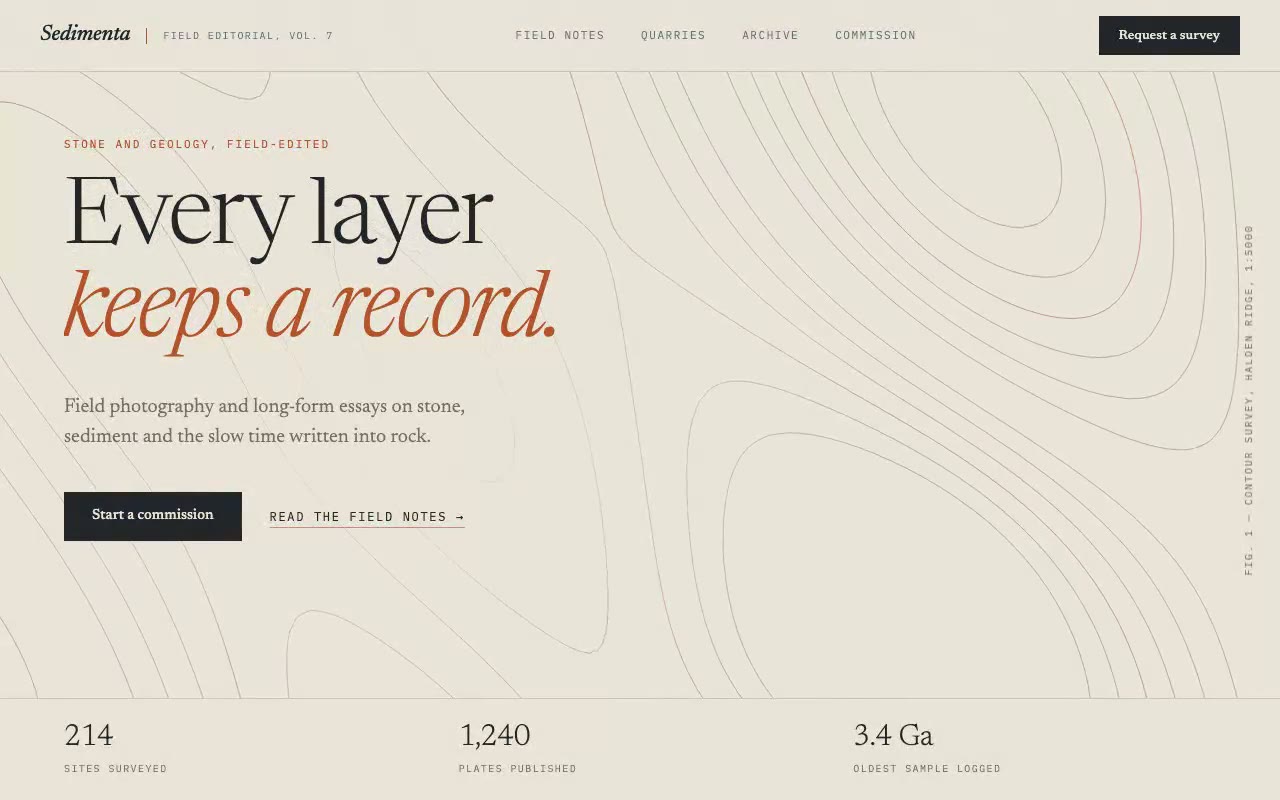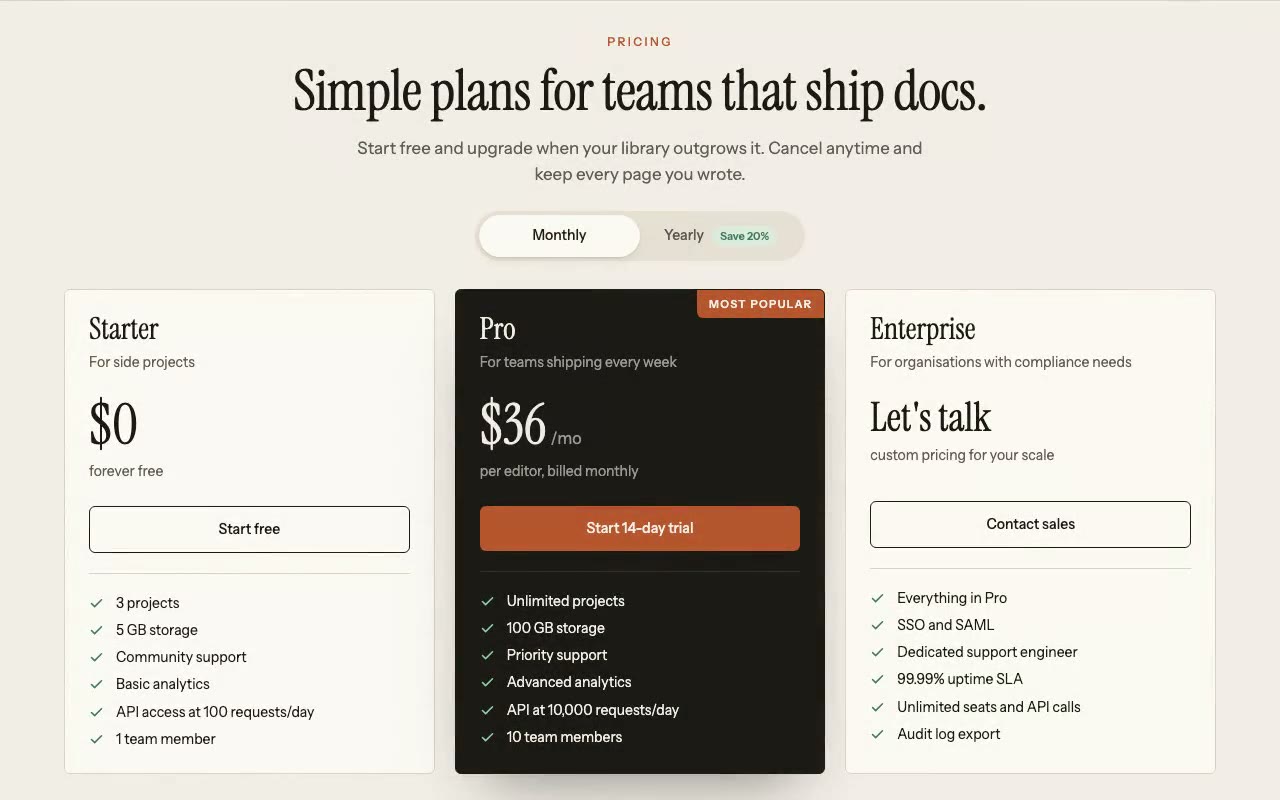
Cream pricing section with a serif headline over three plan cards; the billing pill slides to Yearly and the dark Pro card's price rolls from $36 to $29 within the first two seconds.
Plinth — Pricing Section with Annual Toggle
A branded three-tier pricing section for a docs platform, with a Monthly/Yearly pill that runs itself on load, a rolling Pro price, and a highlighted plan. Built for SaaS teams that want pricing with personality.
Create a free account to copy 3 premium prompts. No card needed
- 01Copy the promptClick the button above to copy the full prompt to your clipboard.
- 02Paste into your AI toolWorks in Claude, ChatGPT, Cursor, v0, Lovable, or Bolt.
- 03Swap in your brand detailsReplace the brand name, copy, and image URLs with your own.
- 04Drop the code into your projectThe output is a self-contained React component. Paste it straight in.
What it generates
- ✓Serif section headline with a sans eyebrow and subhead, staggered on load
- ✓Monthly/Yearly pill toggle with a sliding indicator and a Save 20% badge
- ✓Self-running billing loop: flips to Yearly at 1.2s, then every 2.8s, until the visitor clicks
- ✓Rolling price numbers that re-animate on every billing change
- ✓Three plan cards: light Starter, inverted Pro with terracotta ribbon, light Enterprise
- ✓Check-list features with an accessible group, focus rings, and aria-pressed state
- ✓Reduced-motion fallback that stops autoplay and roll animations
Best for
- →SaaS products with a monthly and annual plan
- →Docs, knowledge-base and developer tools
- →Brands that want pricing with editorial character, not a generic blue grid
- →Landing pages that need a full pricing section below a hero
Not suitable for
- ✕Full multi-page websites (hero only)
- ✕Backend or database logic
- ✕Non-React frameworks (Vue, Svelte, etc.)
Written for
- ✓ClaudePreview built with Claude
- ✓ChatGPTPaste into a chat
- ✓CursorBuild inside your repo
- ✓v0 by VercelComponent generator
- ✓LovableApp builder
- ✓BoltIn-browser builder
Licence
Commercial use included. Use in client projects, products, and paid work. No attribution required.
Common questions
Related reading
Landing Page Hero Section Best Practices for 2026: The 7 Elements
Hero section best practices for landing pages and homepages: the seven elements every hero needs, the mistakes that cost conversions, and a checklist to use today.
Claude Prompts for Web Design: How to Write Them
Claude prompts for web design that produce a site you would ship, not a generic template. The structure, with examples you can copy.
Related prompts