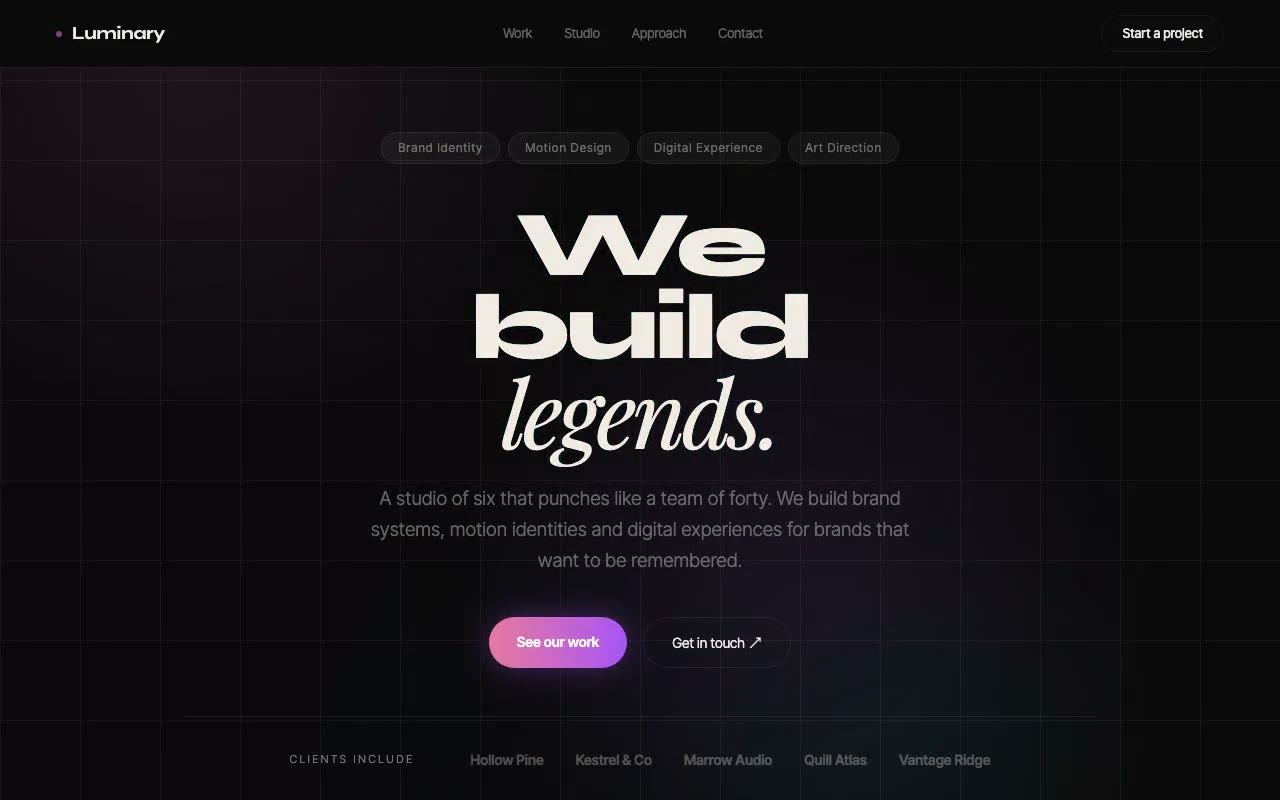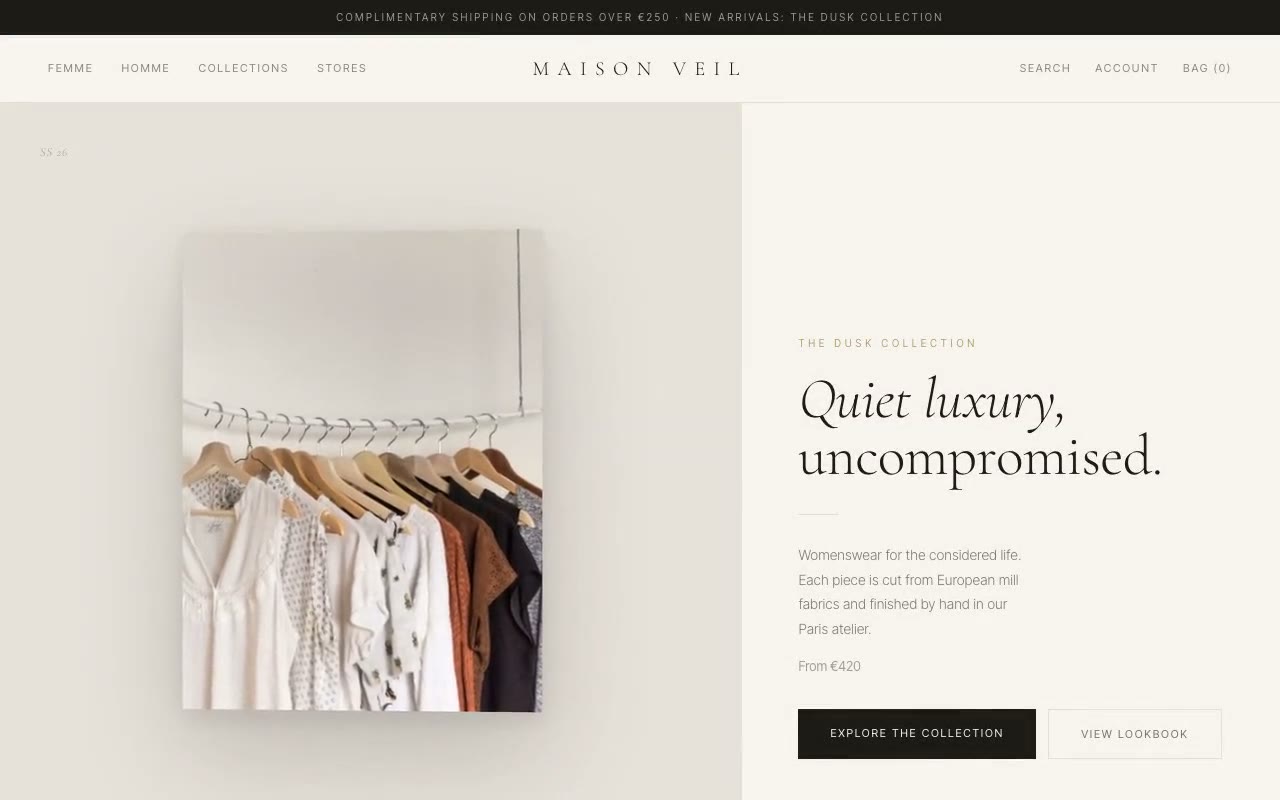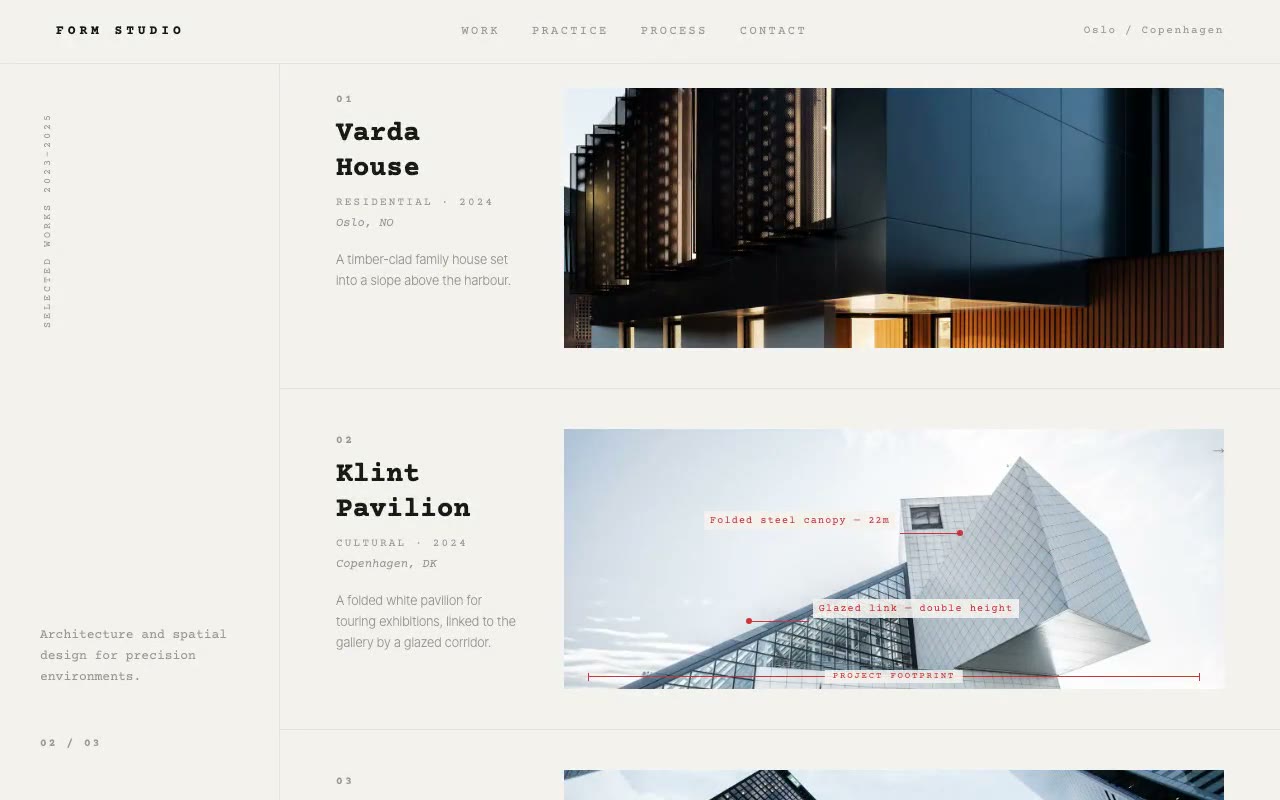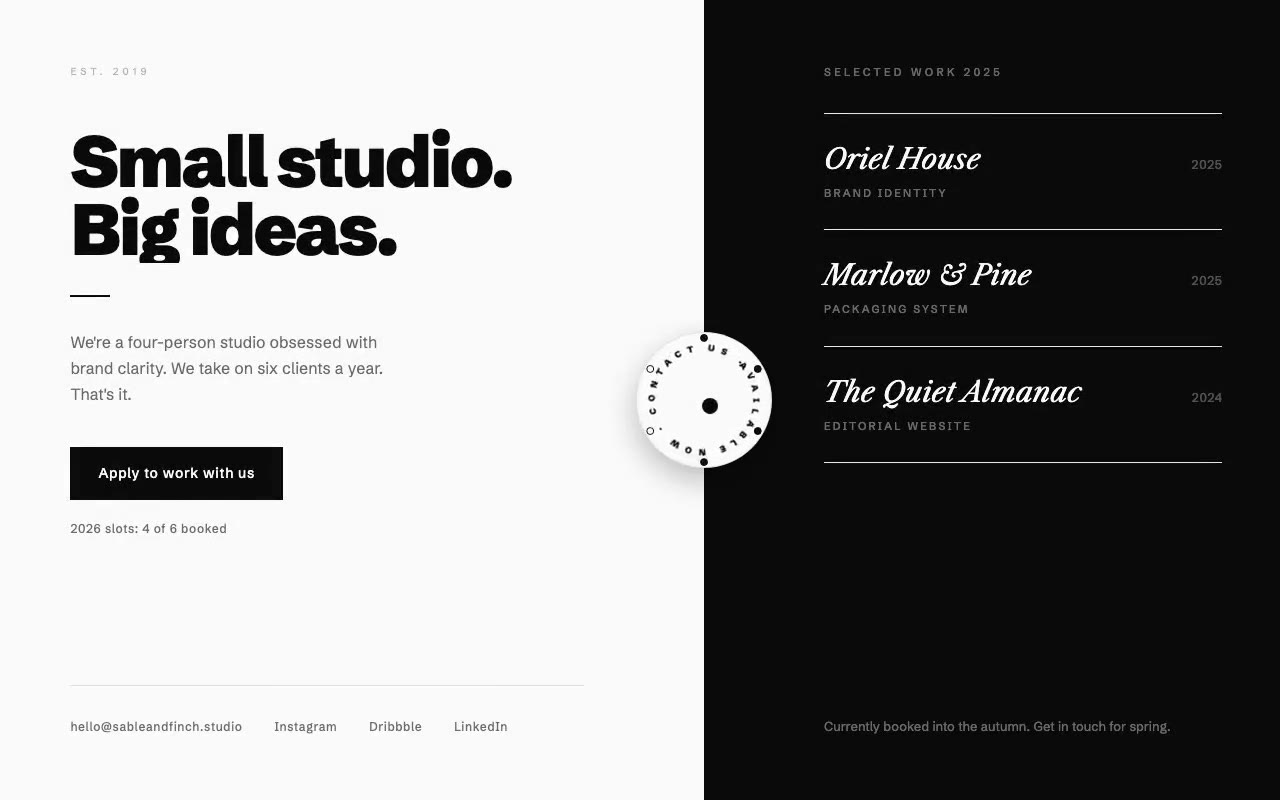
Split white and black hero with a bold 'Small studio. Big ideas.' headline, a white rotating-text badge on the seam that fills its booked-slot ticks, and three serif project rows on the right.
Sable & Finch — Boutique Studio Hero
A black-and-white split hero for a four-person studio, with a rotating availability dial on the seam between the panels that shows how many client slots are booked. Built for small boutique studios that sell focus and selectivity.
Create a free account to copy 3 premium prompts. No card needed
- 01Copy the promptClick the button above to copy the full prompt to your clipboard.
- 02Paste into your AI toolWorks in Claude, ChatGPT, Cursor, v0, Lovable, or Bolt.
- 03Swap in your brand detailsReplace the brand name, copy, and image URLs with your own.
- 04Drop the code into your projectThe output is a self-contained React component. Paste it straight in.
What it generates
- ✓Asymmetric 55/45 split between a white pitch panel and a black work panel
- ✓Schibsted Grotesk 900 headline that slides up behind a clipped line mask
- ✓Rotating circular text badge that fills its circumference with the studio's status
- ✓Six slot ticks around the badge; four fill in sequence to show booked capacity
- ✓Pulsing centre dot and a speed-up of the ring on hover
- ✓Three Libre Caslon italic project rows with category and year
- ✓Primary CTA, a slot-status caption and a footer row of contact links
- ✓Single-column stacking below md with the dial repositioned to the corner
Best for
- →Boutique brand and identity studios with limited capacity
- →Freelance design partnerships and small agencies
- →Studios that sell selectivity and a personal, direct process
- →Portfolio-led hero pages with a strong editorial split
Not suitable for
- ✕Full multi-page websites (hero only)
- ✕Backend or database logic
- ✕Non-React frameworks (Vue, Svelte, etc.)
Written for
- ✓ClaudePreview built with Claude
- ✓ChatGPTPaste into a chat
- ✓CursorBuild inside your repo
- ✓v0 by VercelComponent generator
- ✓LovableApp builder
- ✓BoltIn-browser builder
Licence
Commercial use included. Use in client projects, products, and paid work. No attribution required.
Common questions
Related reading
Landing Page Hero Section Best Practices for 2026: The 7 Elements
Hero section best practices for landing pages and homepages: the seven elements every hero needs, the mistakes that cost conversions, and a checklist to use today.
Claude Prompts for Web Design: How to Write Them
Claude prompts for web design that produce a site you would ship, not a generic template. The structure, with examples you can copy.
Related prompts