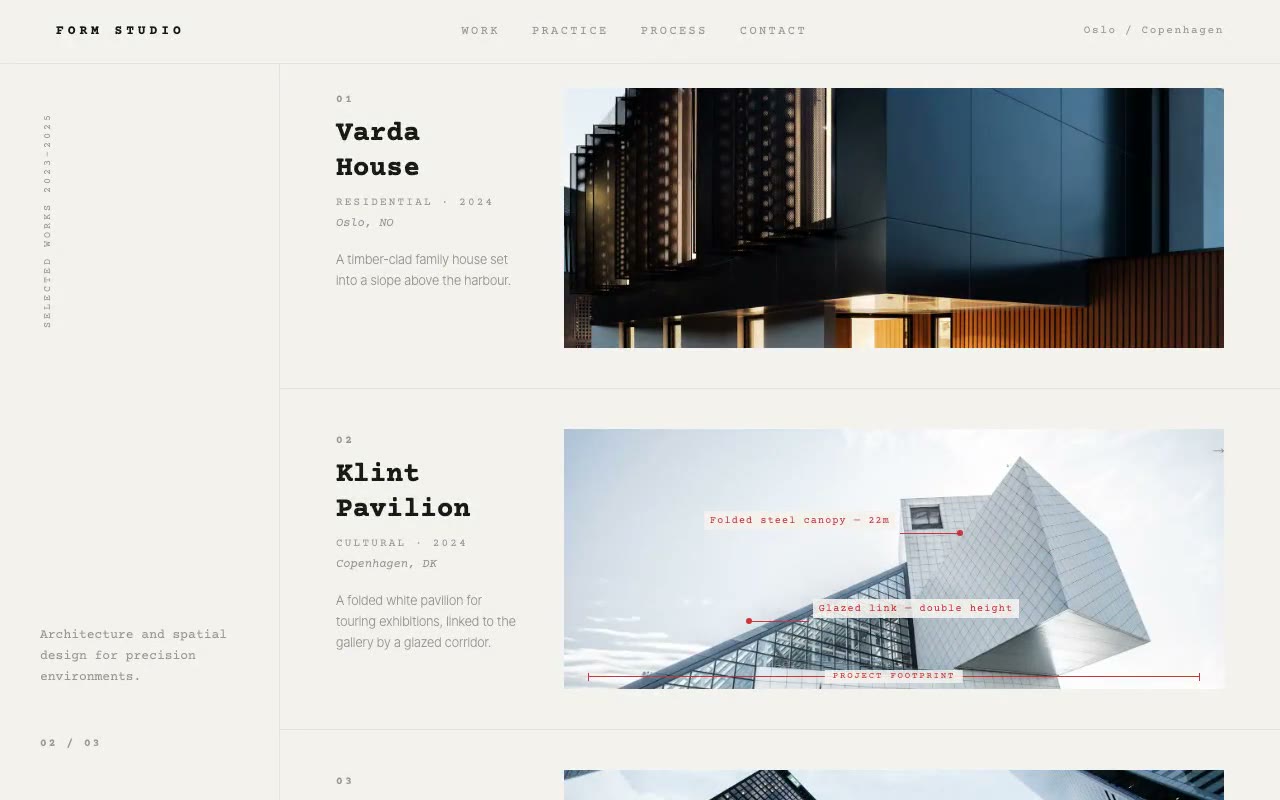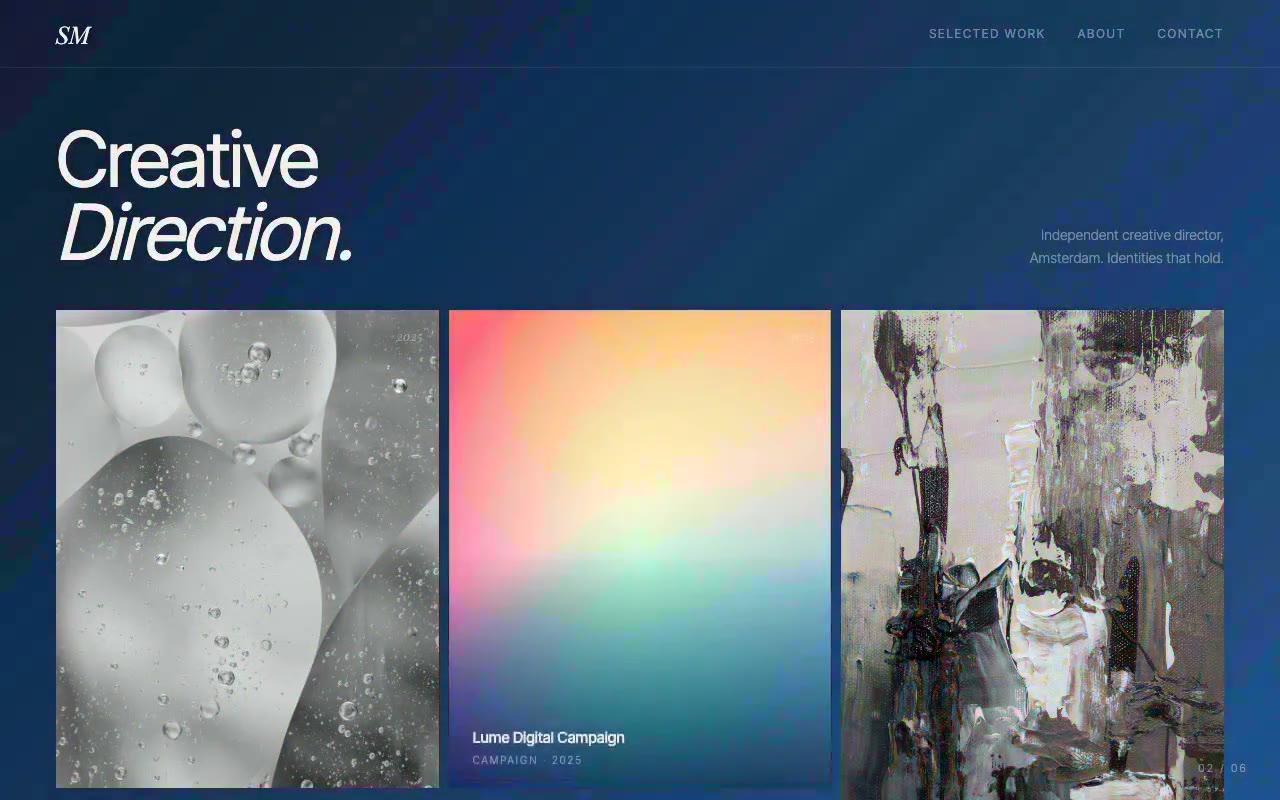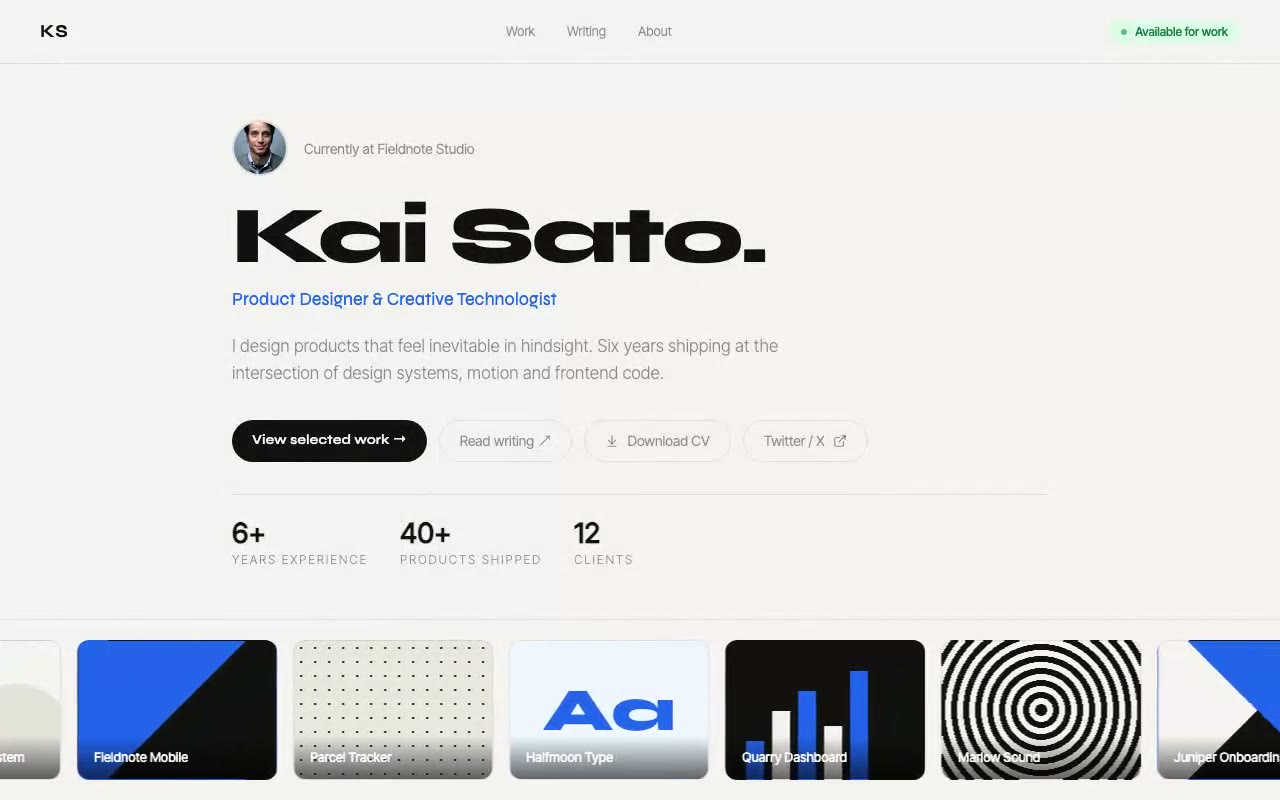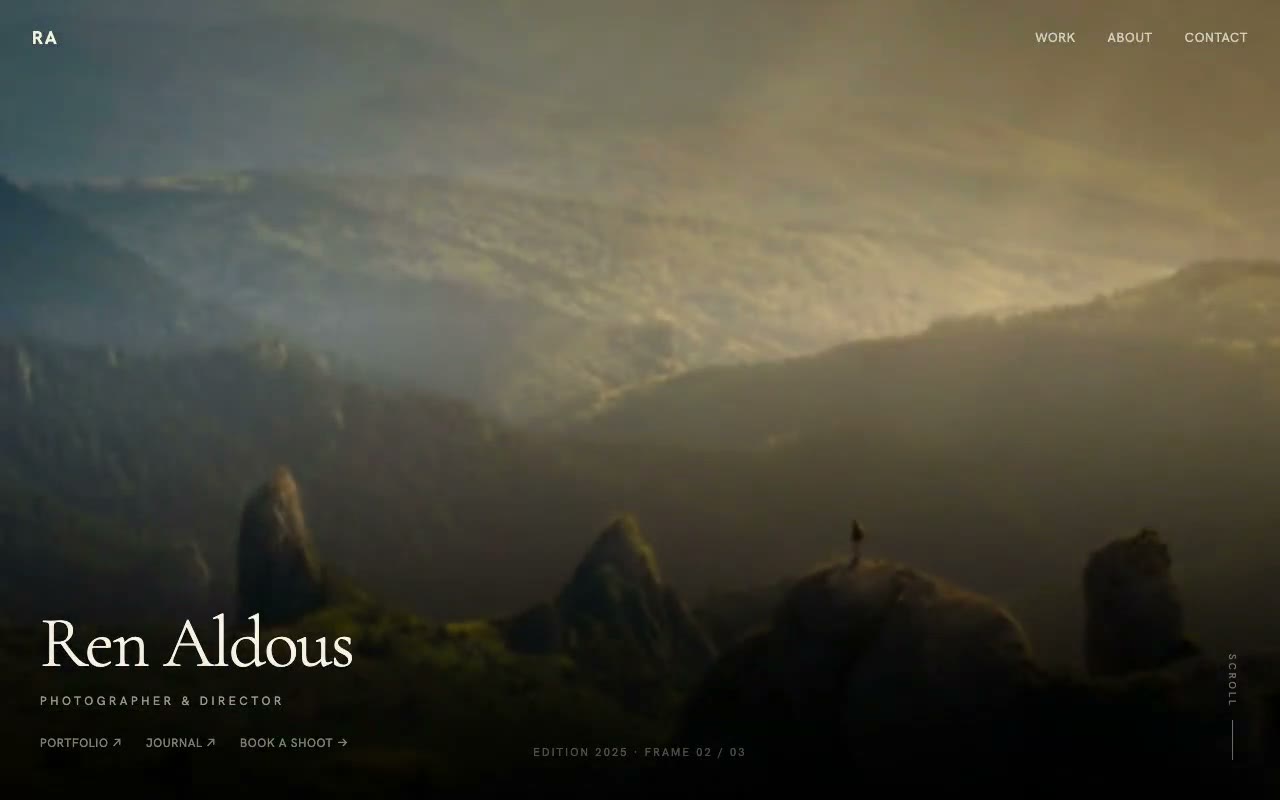
A sunlit alpine photograph starts blurred and pulls into sharp focus over 1.8 seconds, with "Ren Aldous" set in light serif type over a dark gradient and a frame counter reading 01 / 03.
Aldous — Full-Bleed Photographer Portfolio Hero
A cinematic full-viewport photo hero where each frame racks focus from soft to sharp before handing over to the next, with a light Cormorant name over a dark gradient. Built for photographers, cinematographers and directors of photography.
Create a free account to copy 3 premium prompts. No card needed
- 01Copy the promptClick the button above to copy the full prompt to your clipboard.
- 02Paste into your AI toolWorks in Claude, ChatGPT, Cursor, v0, Lovable, or Bolt.
- 03Swap in your brand detailsReplace the brand name, copy, and image URLs with your own.
- 04Drop the code into your projectThe output is a self-contained React component. Paste it straight in.
What it generates
- ✓Full-viewport background stack of three Unsplash landscape photographs
- ✓Rack-focus transition: blur 16px and scale 1.06 easing to sharp focus over 1.8s
- ✓Slow 4.8s scale push on each active frame, with a 3s hold between racks
- ✓Layered gradient overlay from rgba(0,0,0,0.15) at the top to 0.95 at the base
- ✓Fixed transparent nav with an RA monogram and uppercase links
- ✓Light Cormorant Garamond name at 72px with role line and link row
- ✓Vertical scroll indicator with an animated 0 to 40px line
- ✓Frame counter that ticks between 01 and 03, plus a reduced-motion path
Best for
- →Landscape, travel and nature photographers
- →Cinematographers and directors of photography
- →Documentary and editorial photographers
- →Photographers who lead with a single strong image
Not suitable for
- ✕Full multi-page websites (hero only)
- ✕Backend or database logic
- ✕Non-React frameworks (Vue, Svelte, etc.)
Written for
- ✓ClaudePreview built with Claude
- ✓ChatGPTPaste into a chat
- ✓CursorBuild inside your repo
- ✓v0 by VercelComponent generator
- ✓LovableApp builder
- ✓BoltIn-browser builder
Licence
Commercial use included. Use in client projects, products, and paid work. No attribution required.
Common questions
Related reading
Landing Page Hero Section Best Practices for 2026: The 7 Elements
Hero section best practices for landing pages and homepages: the seven elements every hero needs, the mistakes that cost conversions, and a checklist to use today.
Claude Prompts for Web Design: How to Write Them
Claude prompts for web design that produce a site you would ship, not a generic template. The structure, with examples you can copy.
Related prompts