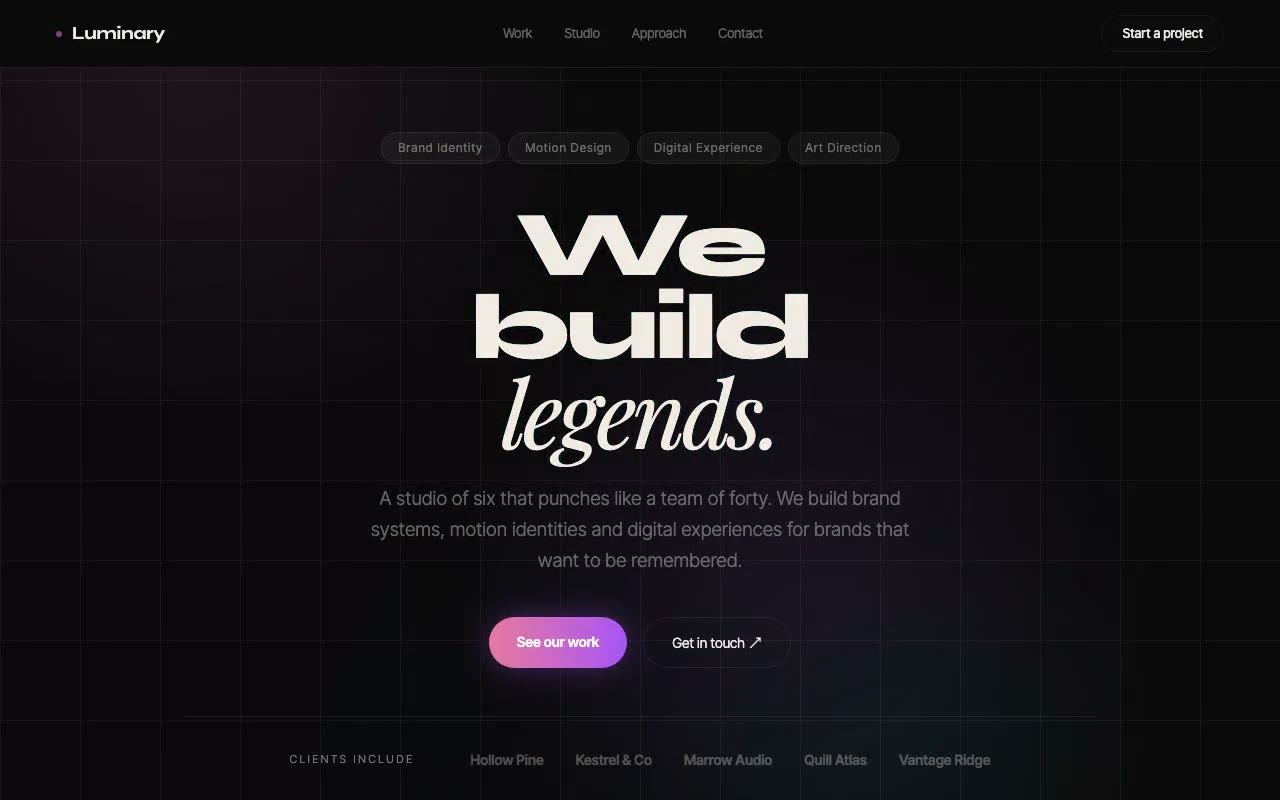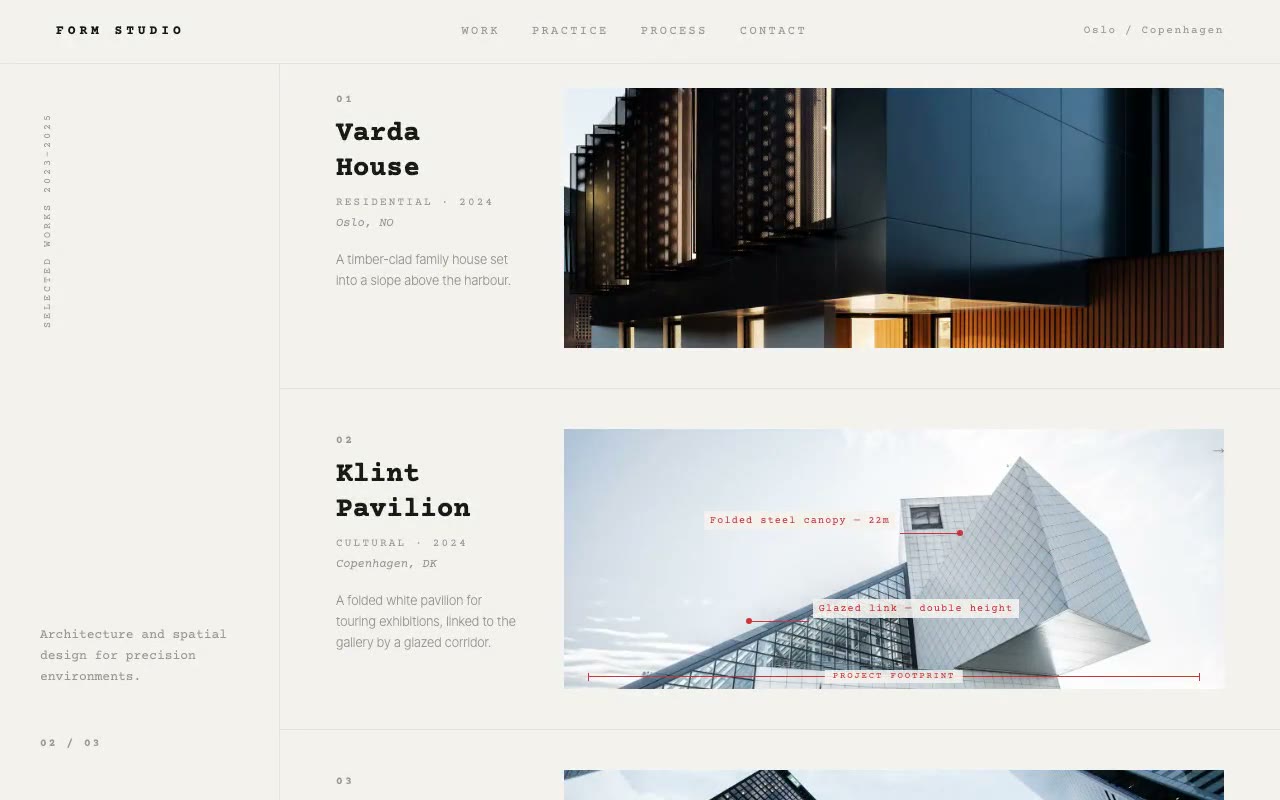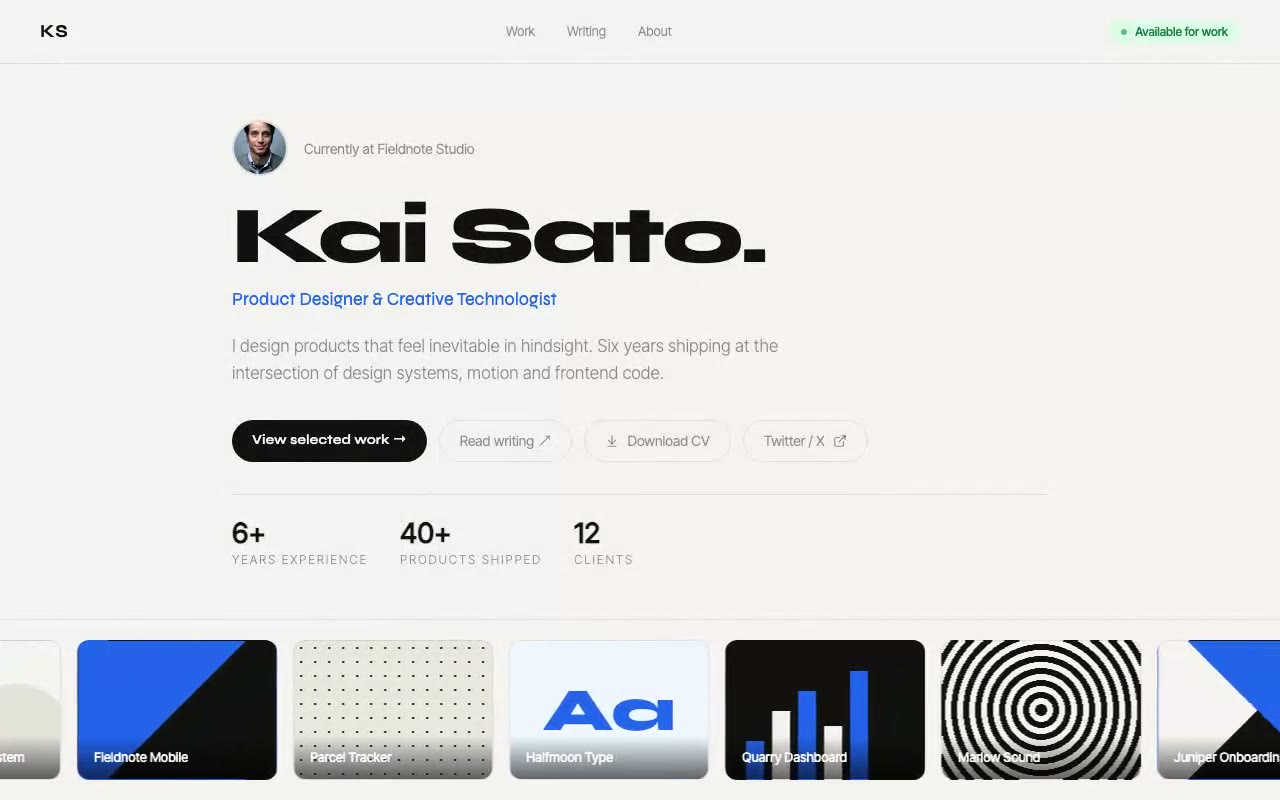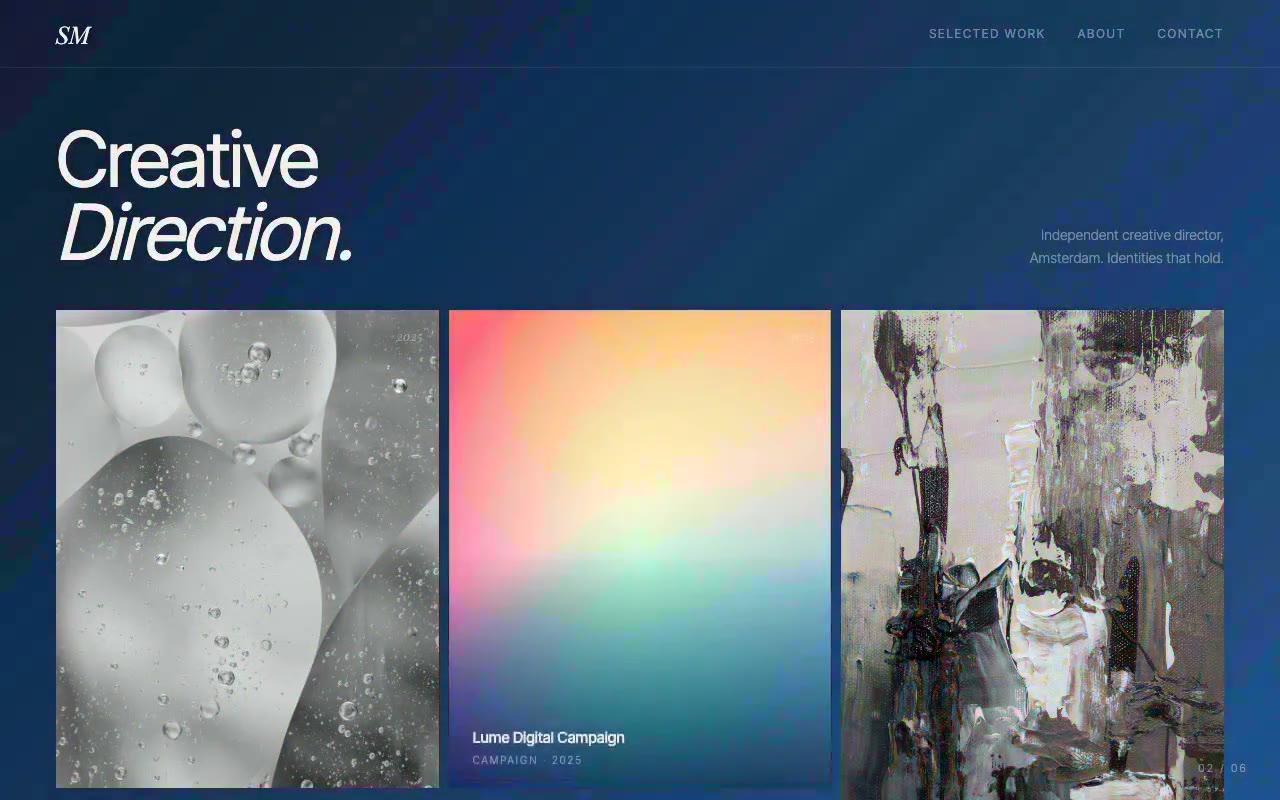
Near-black portfolio with a 'Creative Direction.' headline and six photo cards; the page background glides into each hovered project's colour field, then settles back.
Sylvie Moreau — Creative Director Portfolio Hero
A portfolio hero where hovering a project card glides the whole page background into that project's two-colour gradient. With no pointer on the page, the colour field cycles through the work on its own. Built for creative directors, art directors and designers with strong visual identities.
Create a free account to copy 3 premium prompts. No card needed
- 01Copy the promptClick the button above to copy the full prompt to your clipboard.
- 02Paste into your AI toolWorks in Claude, ChatGPT, Cursor, v0, Lovable, or Bolt.
- 03Swap in your brand detailsReplace the brand name, copy, and image URLs with your own.
- 04Drop the code into your projectThe output is a self-contained React component. Paste it straight in.
What it generates
- ✓Near-black portfolio hero with a Playfair Display headline and a short studio introduction
- ✓Colour-field mechanic: the page background interpolates to the hovered project's gradient over 700ms
- ✓Each project stores its own from and to colours, so the palette is fully customisable
- ✓Idle auto-cycle moves the colour field through the six projects when no pointer is on the grid
- ✓Photos start in greyscale and lift to full colour on the active card, with a slide-up info panel
- ✓Tall and short card rhythm in a three-column grid that collapses to one column on mobile
- ✓Live project counter and screen-reader announcements for the active project
Best for
- →Creative directors and art directors
- →Graphic and brand designers
- →Photographers with a strong visual aesthetic
- →Freelancers who want a portfolio that stands out
Not suitable for
- ✕Full multi-page websites (hero only)
- ✕Backend or database logic
- ✕Non-React frameworks (Vue, Svelte, etc.)
Written for
- ✓ClaudePreview built with Claude
- ✓ChatGPTPaste into a chat
- ✓CursorBuild inside your repo
- ✓v0 by VercelComponent generator
- ✓LovableApp builder
- ✓BoltIn-browser builder
Licence
Commercial use included. Use in client projects, products, and paid work. No attribution required.
Common questions
Related reading
Landing Page Hero Section Best Practices for 2026: The 7 Elements
Hero section best practices for landing pages and homepages: the seven elements every hero needs, the mistakes that cost conversions, and a checklist to use today.
Claude Prompts for Web Design: How to Write Them
Claude prompts for web design that produce a site you would ship, not a generic template. The structure, with examples you can copy.
Related prompts