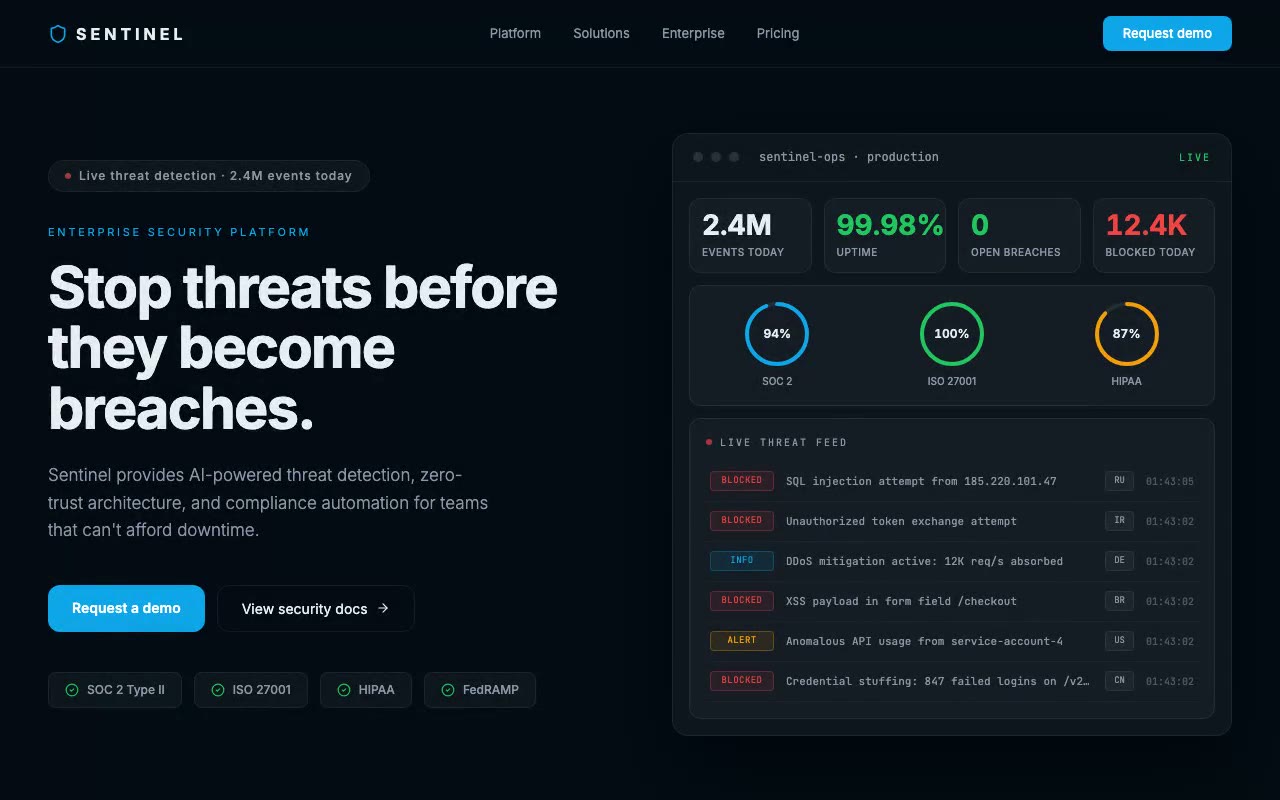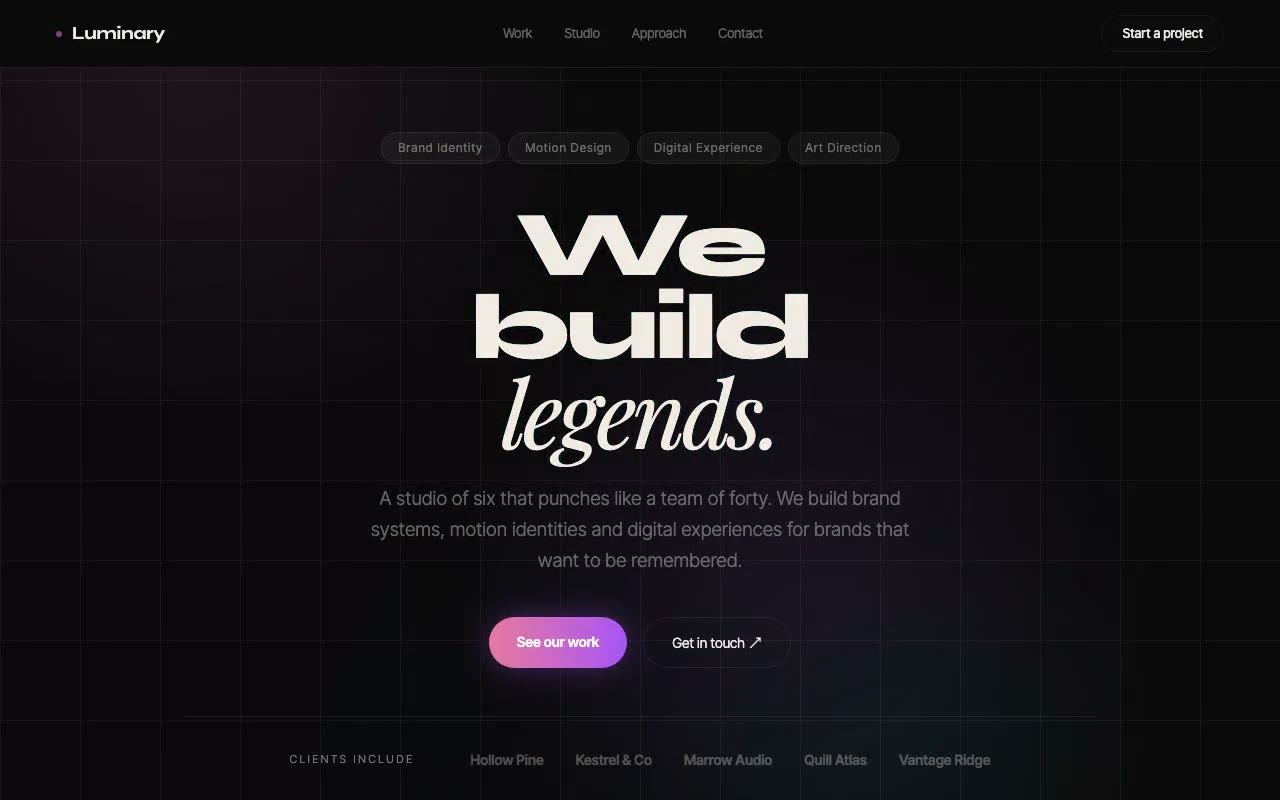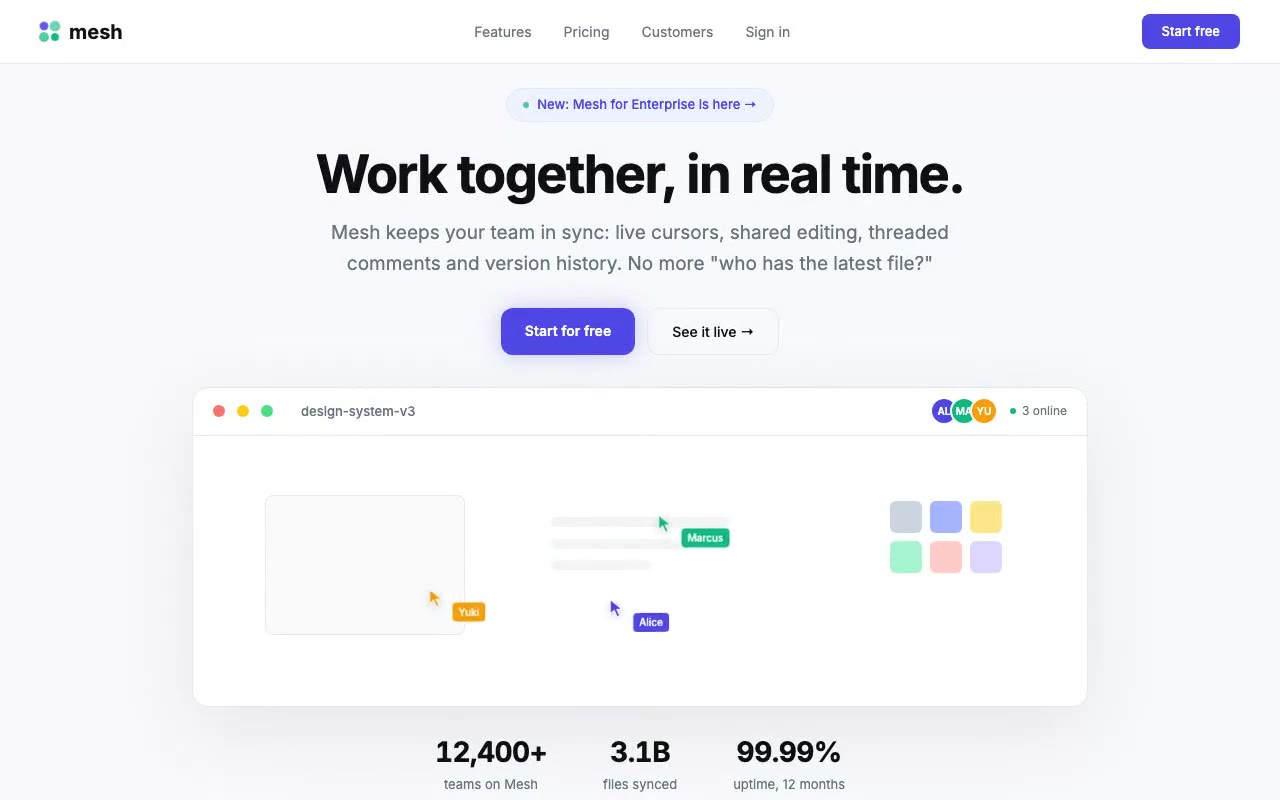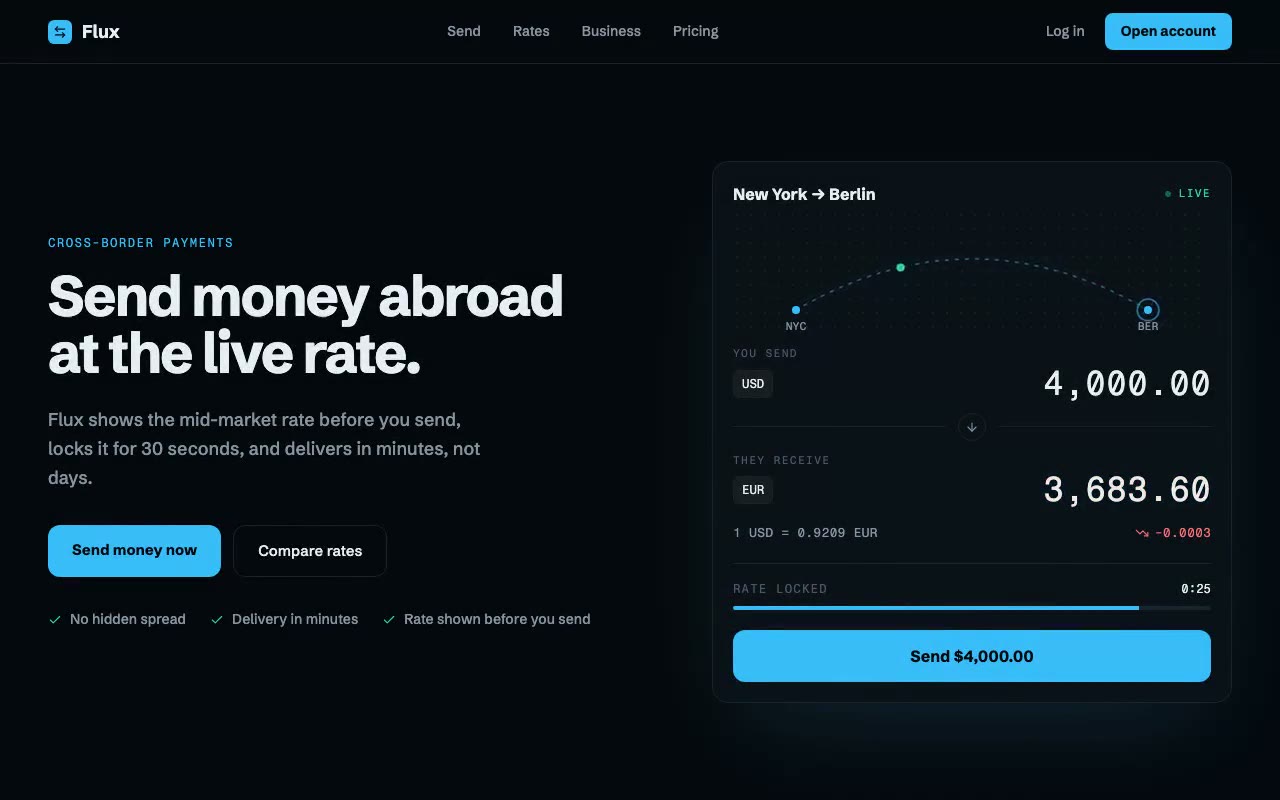
Near-black hero with a converter card: a particle travels a dotted arc from NYC to BER while the rate ticks, the EUR amount flashes, and the rate-lock bar drains.
Flux — Cross-Border Payments Hero
A dark fintech hero built around a live USD-to-EUR converter that ticks every two seconds, flashes the recipient amount green or coral with each move, and animates a New York to Berlin transfer along an arc with a 30-second rate lock. Built for payments, remittance and FX products.
Create a free account to copy 3 premium prompts. No card needed
- 01Copy the promptClick the button above to copy the full prompt to your clipboard.
- 02Paste into your AI toolWorks in Claude, ChatGPT, Cursor, v0, Lovable, or Bolt.
- 03Swap in your brand detailsReplace the brand name, copy, and image URLs with your own.
- 04Drop the code into your projectThe output is a self-contained React component. Paste it straight in.
What it generates
- ✓Split hero with a bold two-line headline, supporting copy and a primary and ghost CTA
- ✓Live USD-to-EUR converter card with a send field, a receive field and a rate line
- ✓Receive amount recalculated on a two-second rate tick, flashing mint or coral with a small scale pulse
- ✓SVG route map from New York to Berlin with a travelling particle, a dashed flowing arc and a landing ripple
- ✓30-second rate-lock countdown with a draining progress track
- ✓Trend icon and signed change figure beside the rate, coloured by direction
- ✓Proof row with three trust points under the CTAs
- ✓Reduced-motion fallback that holds the rate still and stops the route animation
Best for
- →Cross-border payments and remittance products
- →Foreign-exchange and multi-currency wallets
- →Fintech apps that need to show live pricing
- →Business payments and invoicing platforms
Not suitable for
- ✕Full multi-page websites (hero only)
- ✕Backend or database logic
- ✕Non-React frameworks (Vue, Svelte, etc.)
Written for
- ✓ClaudePreview built with Claude
- ✓ChatGPTPaste into a chat
- ✓CursorBuild inside your repo
- ✓v0 by VercelComponent generator
- ✓LovableApp builder
- ✓BoltIn-browser builder
Licence
Commercial use included. Use in client projects, products, and paid work. No attribution required.
Common questions
Related reading
Landing Page Hero Section Best Practices for 2026: The 7 Elements
Hero section best practices for landing pages and homepages: the seven elements every hero needs, the mistakes that cost conversions, and a checklist to use today.
Claude Prompts for Web Design: How to Write Them
Claude prompts for web design that produce a site you would ship, not a generic template. The structure, with examples you can copy.
Related prompts