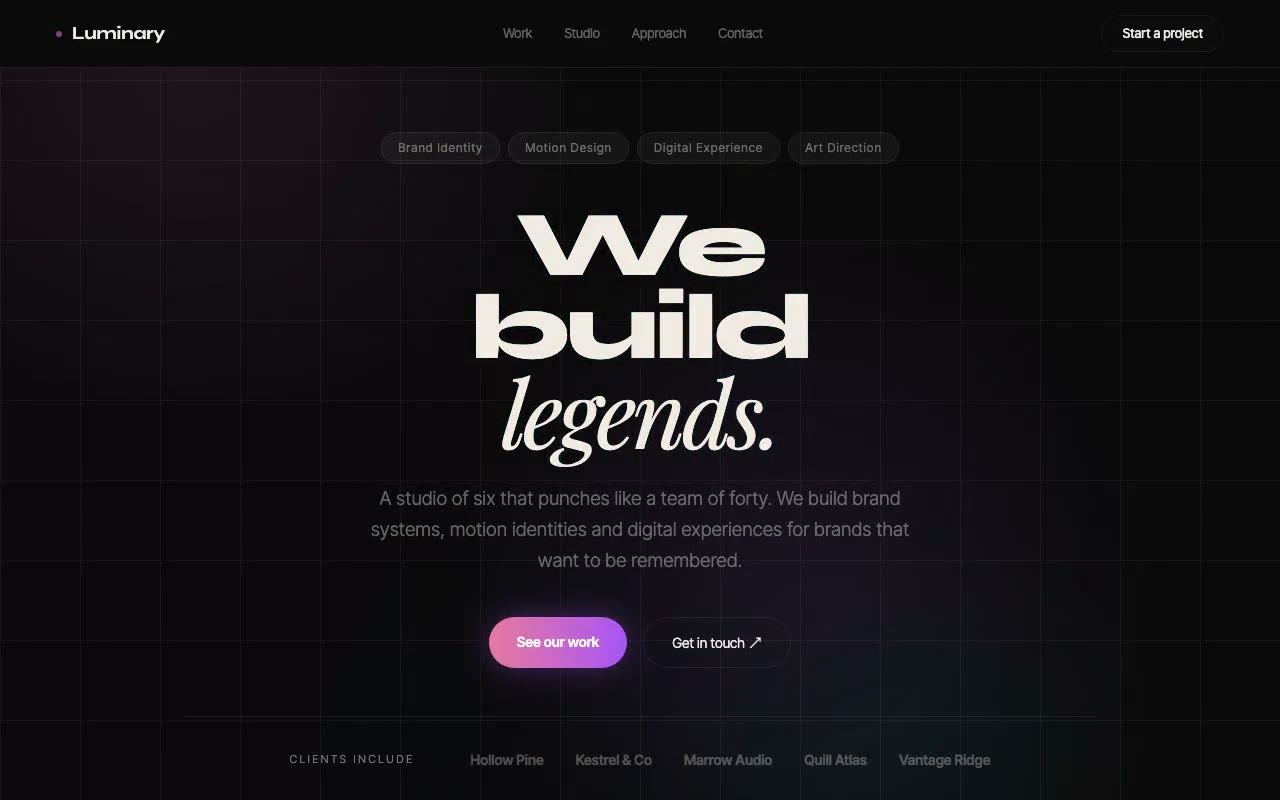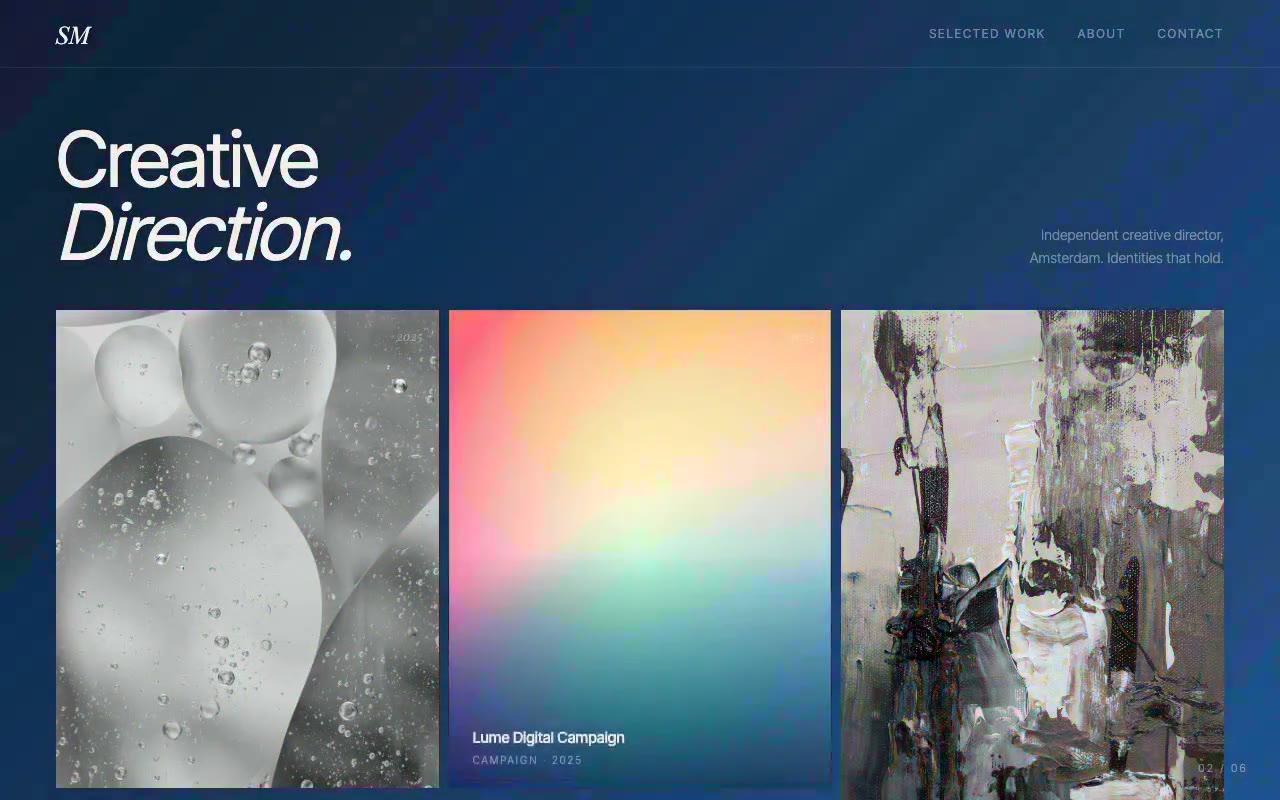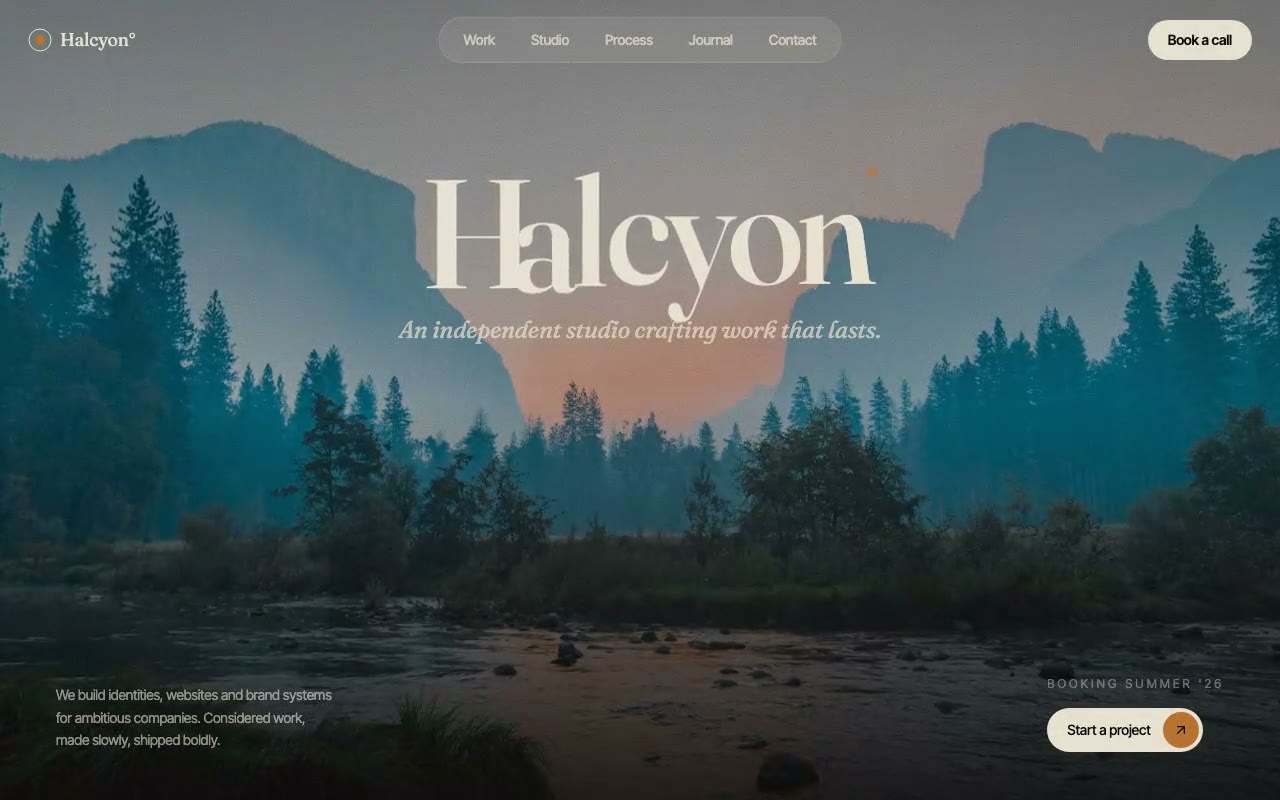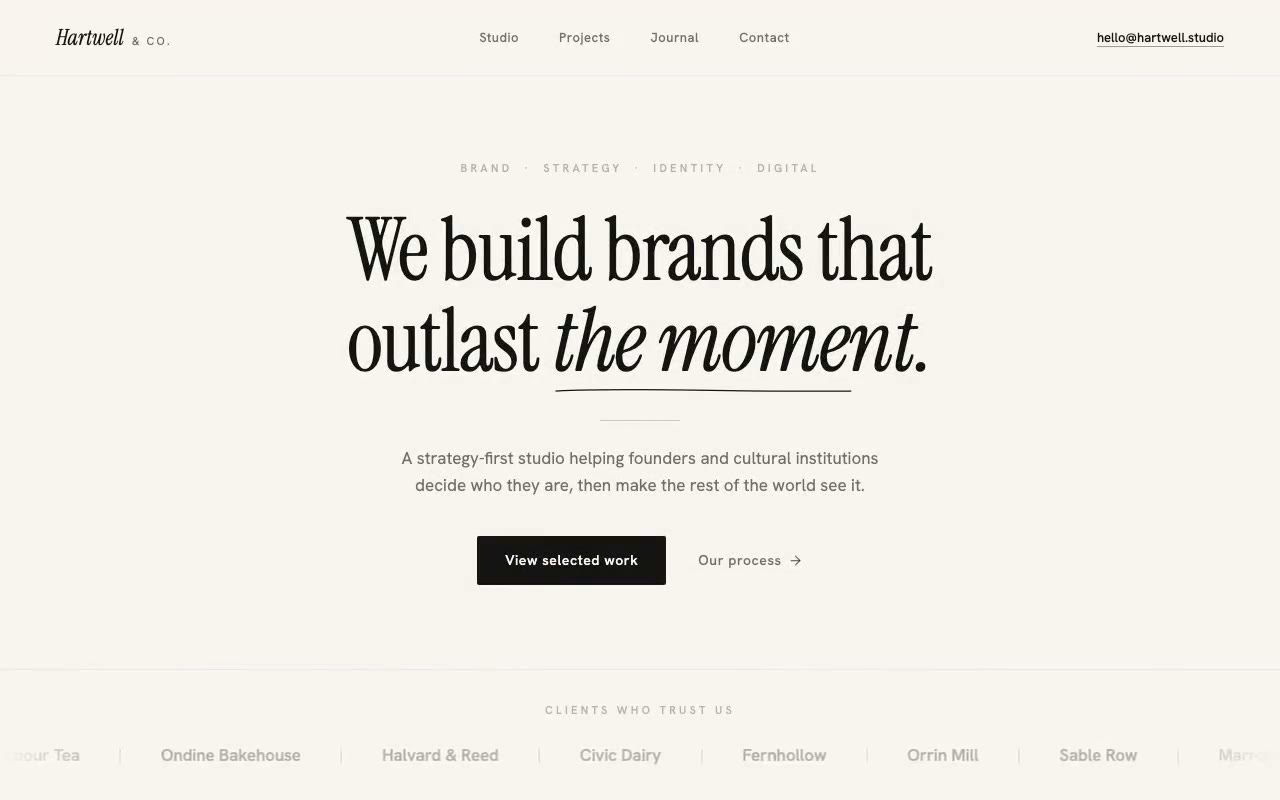
Warm cream page with a large upright serif headline setting in word by word, an italic phrase underlined by a drawn hairline, and a scrolling wordmark marquee of client names.
Hartwell & Co. — Editorial Agency Hero
A cream-and-ink editorial agency hero where the serif headline sets word by word like ink soaking into paper, with a hairline rule drawn under the italic phrase. Built for strategy-led brand studios and cultural clients.
This is 1 of 5 always-free prompts.
Unlock all 52, plus every new prompt we add, from $15/month, or $249 once for lifetime access.
See pricing →- 01Copy the promptClick the button above to copy the full prompt to your clipboard.
- 02Paste into your AI toolWorks in Claude, ChatGPT, Cursor, v0, Lovable, or Bolt.
- 03Swap in your brand detailsReplace the brand name, copy, and image URLs with your own.
- 04Drop the code into your projectThe output is a self-contained React component. Paste it straight in.
What it generates
- ✓Warm cream sticky nav with an italic serif wordmark and an underline-on-hover email
- ✓Serif headline where each word sets in from a blur with tracking that tightens
- ✓Hairline SVG rule that draws itself under the italic phrase 'the moment.'
- ✓Overline words arriving one after another with a rising fade
- ✓Hairline rule that grows from centre, then a strategy-first intro paragraph
- ✓Primary and text CTA pair with hover states
- ✓Client wordmark marquee with edge fades that pauses on hover
- ✓prefers-reduced-motion shows the full typeset page with a still marquee
Best for
- →Strategy-led brand and identity studios
- →Cultural institutions and editorial agencies
- →Premium boutique consultancies that sell taste and restraint
- →Studios with a warm, literary brand voice
Not suitable for
- ✕Full multi-page websites (hero only)
- ✕Backend or database logic
- ✕Non-React frameworks (Vue, Svelte, etc.)
Written for
- ✓ClaudePreview built with Claude
- ✓ChatGPTPaste into a chat
- ✓CursorBuild inside your repo
- ✓v0 by VercelComponent generator
- ✓LovableApp builder
- ✓BoltIn-browser builder
Licence
Commercial use included. Use in client projects, products, and paid work. No attribution required.
Common questions
Related reading
Landing Page Hero Section Best Practices for 2026: The 7 Elements
Hero section best practices for landing pages and homepages: the seven elements every hero needs, the mistakes that cost conversions, and a checklist to use today.
Claude Prompts for Web Design: How to Write Them
Claude prompts for web design that produce a site you would ship, not a generic template. The structure, with examples you can copy.
Related prompts