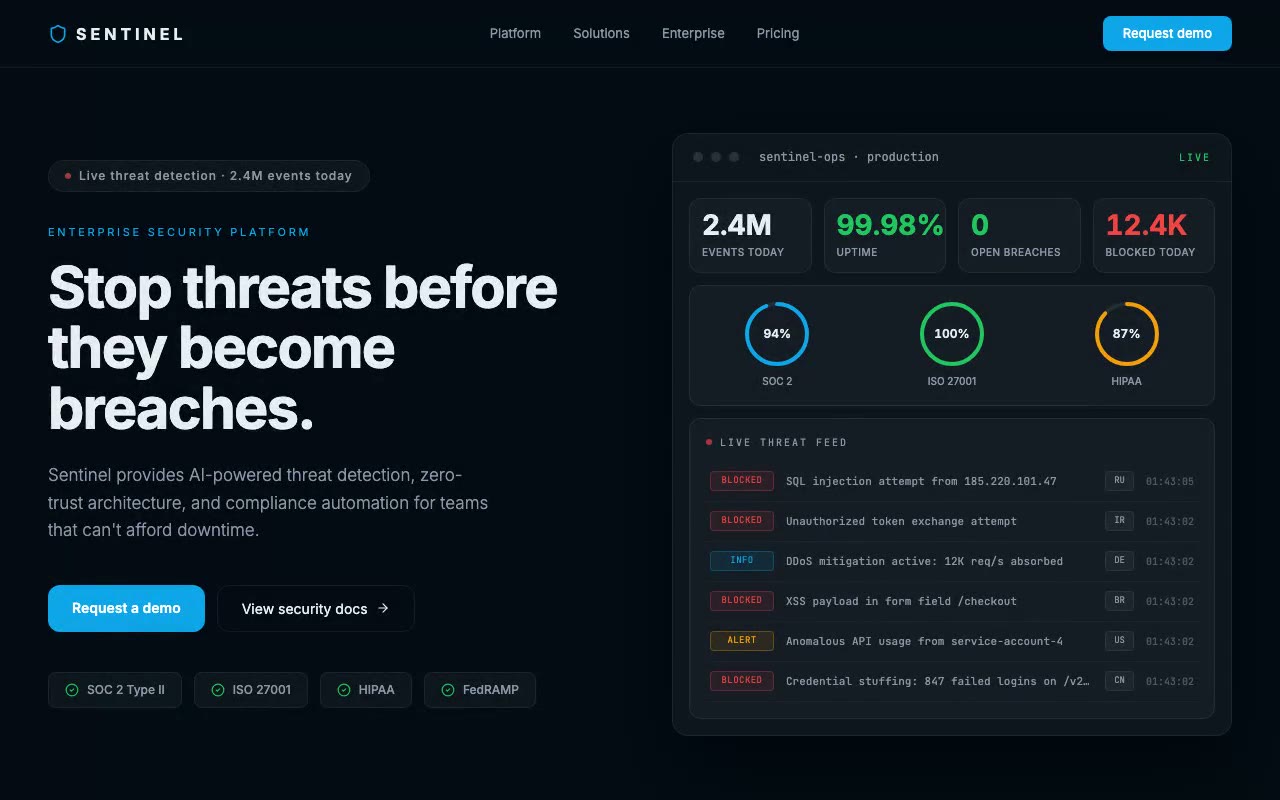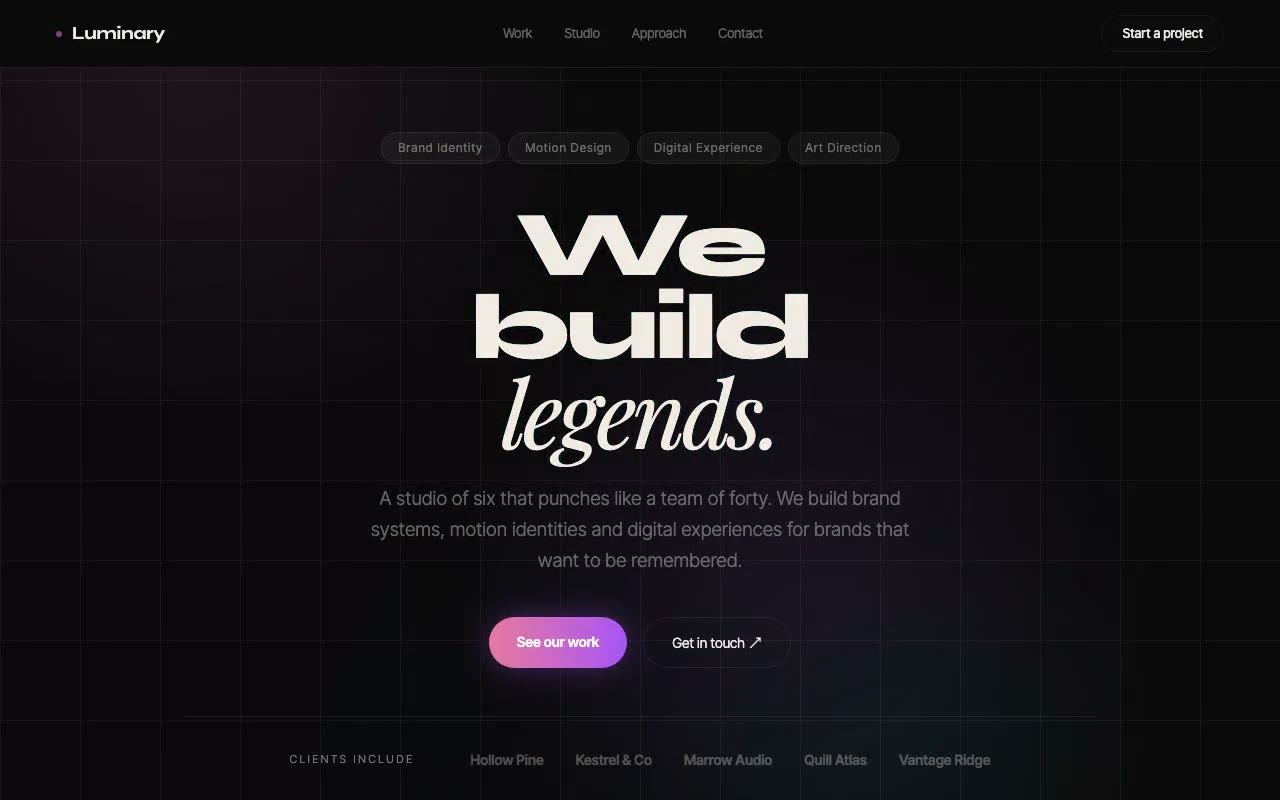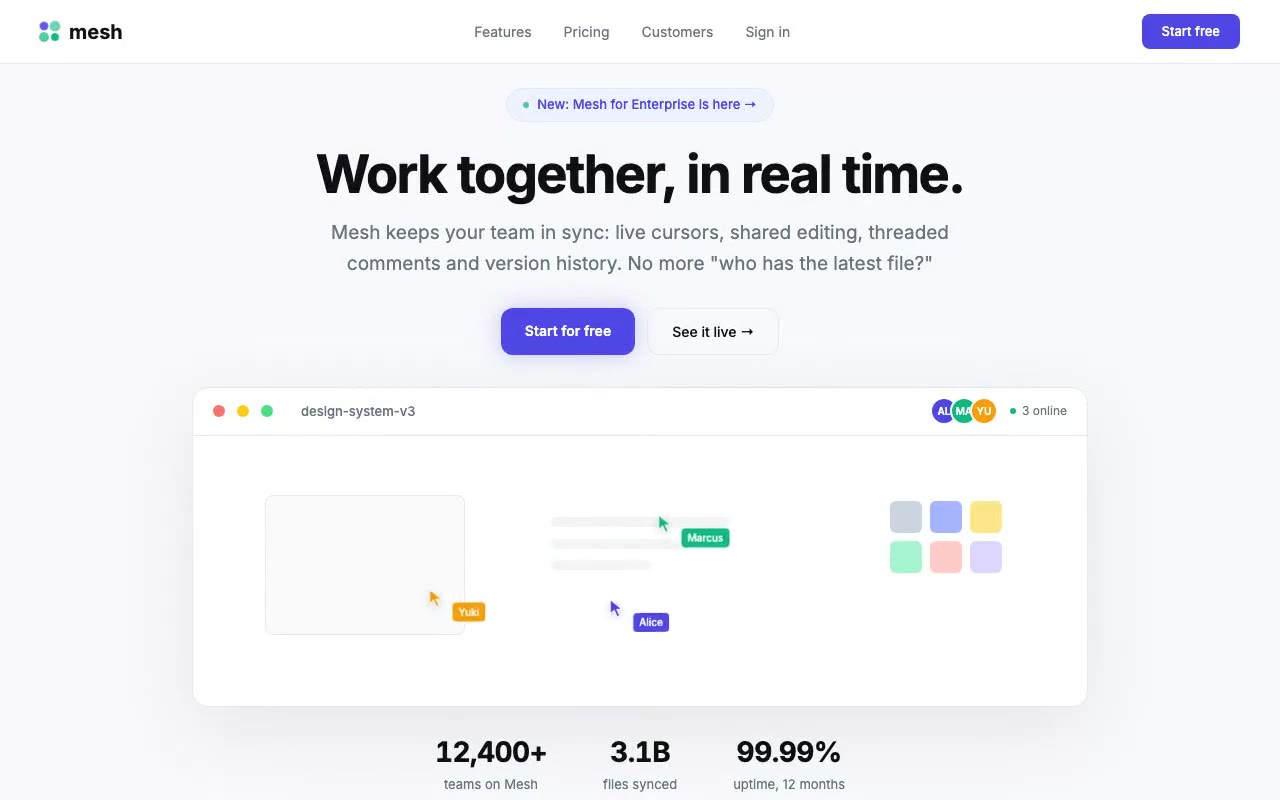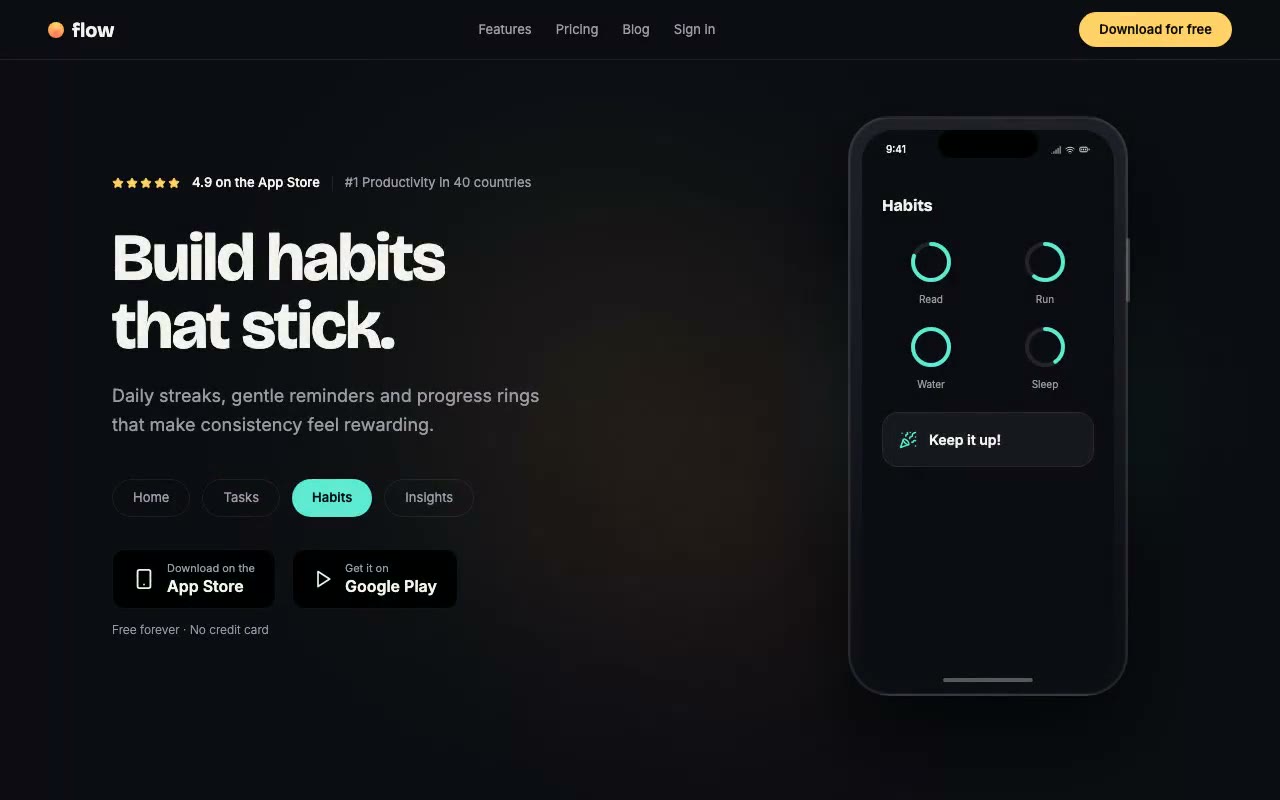
Dark hero with a bold display headline on the left and a phone mockup on the right showing the Home screen, a yellow glow behind it, and the Tasks screen sliding in about two seconds later.
Flow — Mobile App Launch Hero
Mobile app launch hero with a fixed phone frame that cycles through Home, Tasks, Habits and Insights screens, driving the headline, tabs and a coloured glow. Built for productivity and consumer iOS and Android apps.
Create a free account to copy 3 premium prompts. No card needed
- 01Copy the promptClick the button above to copy the full prompt to your clipboard.
- 02Paste into your AI toolWorks in Claude, ChatGPT, Cursor, v0, Lovable, or Bolt.
- 03Swap in your brand detailsReplace the brand name, copy, and image URLs with your own.
- 04Drop the code into your projectThe output is a self-contained React component. Paste it straight in.
What it generates
- ✓Fixed phone frame with dynamic island, side button and home indicator
- ✓Four in-app screens: Home, Tasks, Habits (progress rings) and Insights (bar chart)
- ✓Headline and subhead that rewrite per screen with a short fade and rise
- ✓Tab pills that fill with each screen's accent and drive the phone
- ✓Auto-cycle every 3 seconds on desktop, paused on hover and focus, tap-to-advance on mobile
- ✓Accent-tinted glow behind the phone that cross-fades between screens
- ✓App Store and Google Play badges with rating row and free-tier line
Best for
- →Mobile app launches and waitlist-to-download pages
- →Productivity, habit and wellness apps with visual screens
- →Consumer apps that want to show the product before asking for a download
- →Teams that need a phone mockup without a screenshot library
Not suitable for
- ✕Full multi-page websites (hero only)
- ✕Backend or database logic
- ✕Non-React frameworks (Vue, Svelte, etc.)
Written for
- ✓ClaudePreview built with Claude
- ✓ChatGPTPaste into a chat
- ✓CursorBuild inside your repo
- ✓v0 by VercelComponent generator
- ✓LovableApp builder
- ✓BoltIn-browser builder
Licence
Commercial use included. Use in client projects, products, and paid work. No attribution required.
Common questions
Related reading
Landing Page Hero Section Best Practices for 2026: The 7 Elements
Hero section best practices for landing pages and homepages: the seven elements every hero needs, the mistakes that cost conversions, and a checklist to use today.
Claude Prompts for Web Design: How to Write Them
Claude prompts for web design that produce a site you would ship, not a generic template. The structure, with examples you can copy.
Related prompts