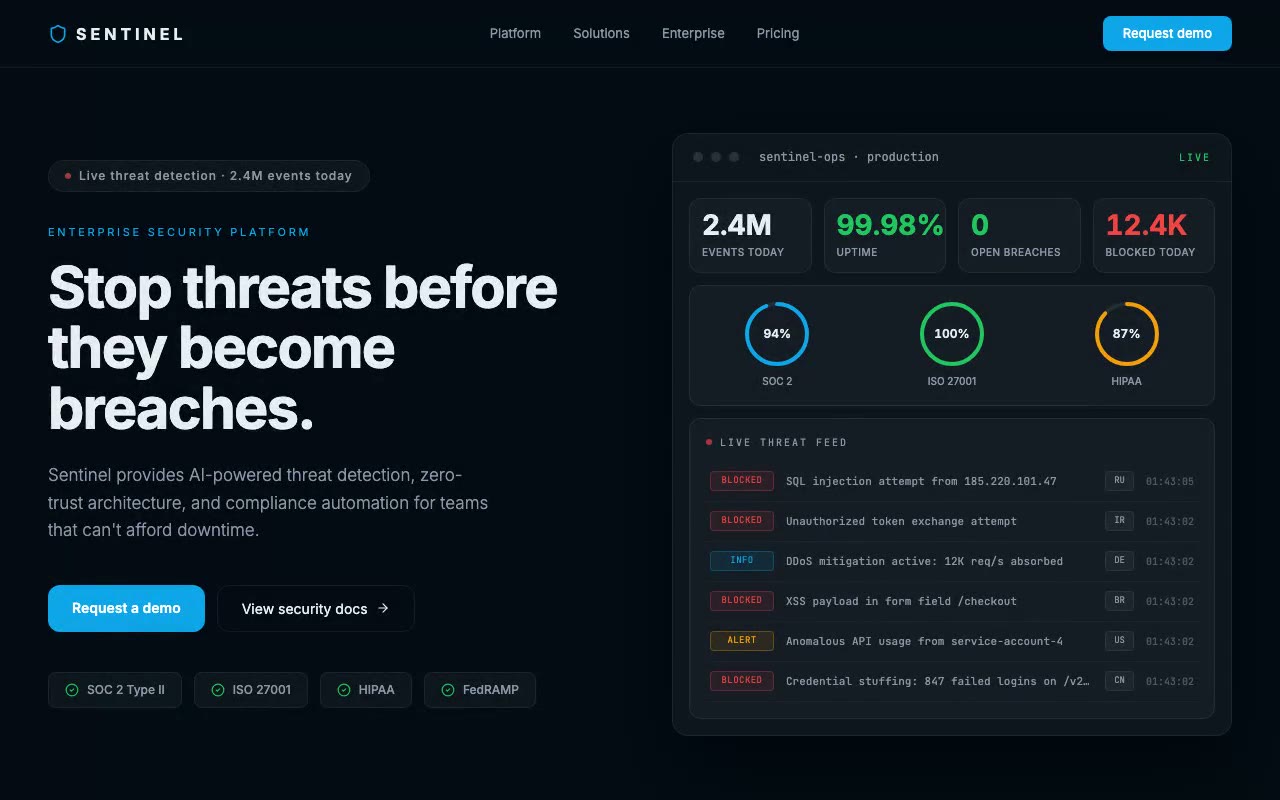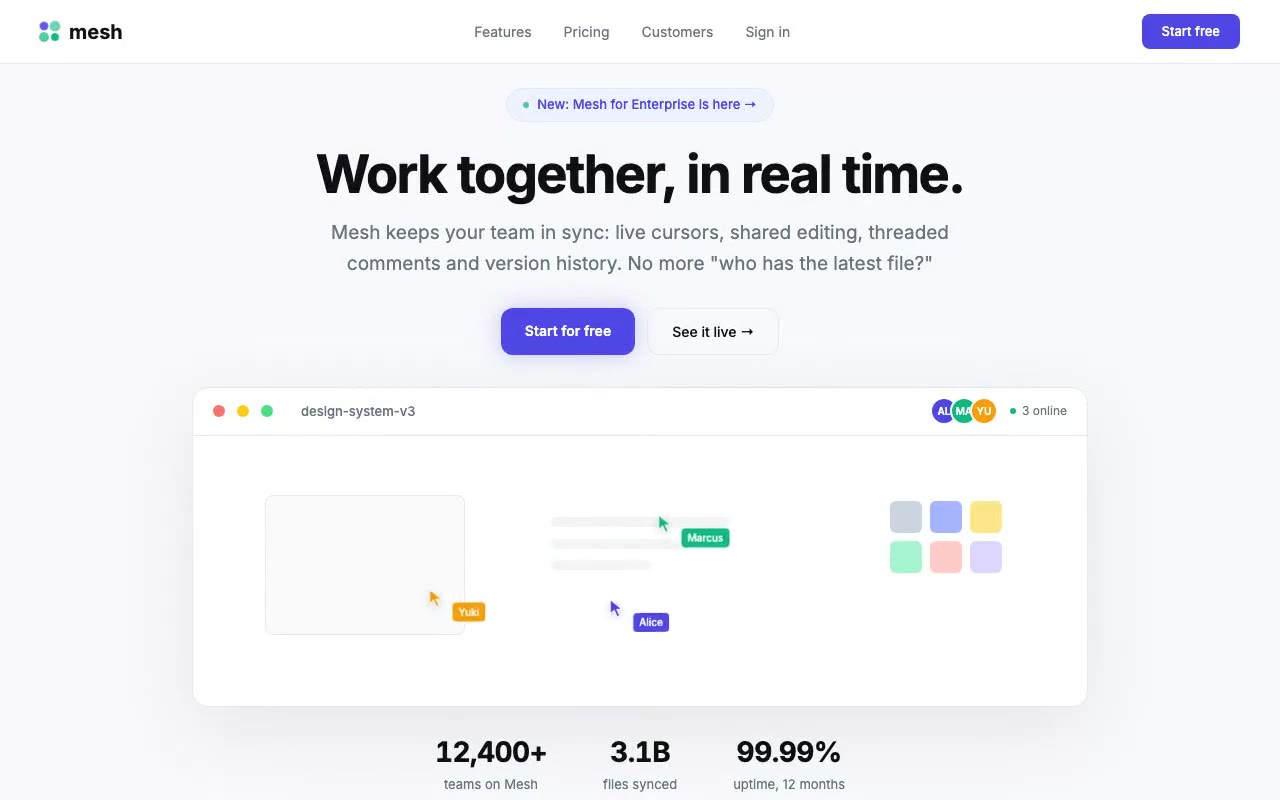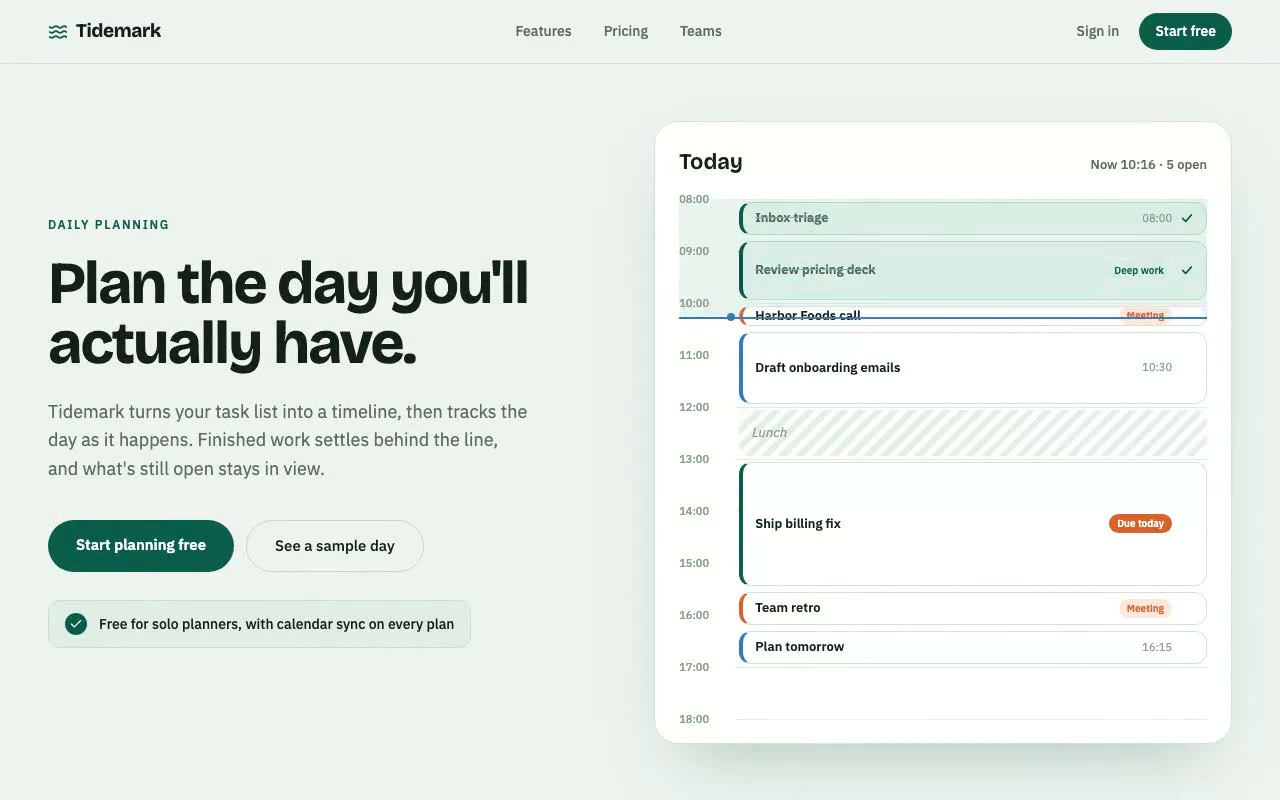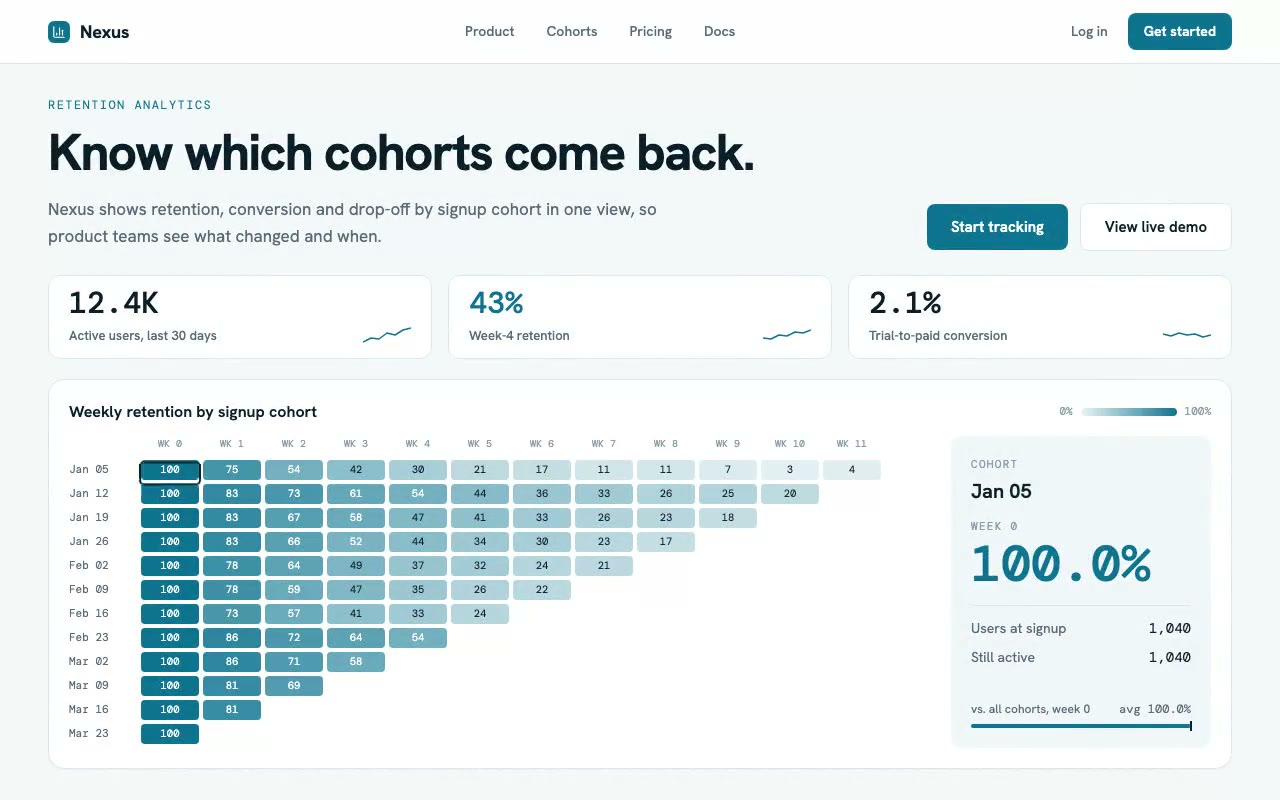
Cool-white hero with three KPI tiles above a teal cohort triangle that fills in diagonally, while a crosshair moves across cells and the readout panel updates.
Nexus — Retention Cohort Analytics Hero
A light analytics hero built around a weekly signup-cohort retention heatmap that fills in as a diagonal wave, with a crosshair that tours the cells and a readout of each cohort's exact numbers. Built for product, growth and retention analytics tools.
Create a free account to copy 3 premium prompts. No card needed
- 01Copy the promptClick the button above to copy the full prompt to your clipboard.
- 02Paste into your AI toolWorks in Claude, ChatGPT, Cursor, v0, Lovable, or Bolt.
- 03Swap in your brand detailsReplace the brand name, copy, and image URLs with your own.
- 04Drop the code into your projectThe output is a self-contained React component. Paste it straight in.
What it generates
- ✓Left-aligned hero with an eyebrow, a one-line headline, a supporting paragraph and two CTAs
- ✓Three KPI tiles with count-up numbers and small sparklines
- ✓12×12 weekly cohort-retention triangle with values in each cell
- ✓Diagonal wave fill on load, with each cell scaling in as it is reached
- ✓Crosshair that tours the cells automatically and follows the pointer, touch or arrow keys
- ✓Readout panel with the cohort date, week, large retention figure, user counts and an average-comparison bar
- ✓Teal heat scale and a gradient legend in the card header
- ✓Reduced-motion fallback that shows the finished wave and rests the crosshair on one cell
Best for
- →Product analytics and retention tools
- →Growth and conversion dashboards
- →Subscription and SaaS metrics platforms
- →Mobile and consumer app analytics
Not suitable for
- ✕Full multi-page websites (hero only)
- ✕Backend or database logic
- ✕Non-React frameworks (Vue, Svelte, etc.)
Written for
- ✓ClaudePreview built with Claude
- ✓ChatGPTPaste into a chat
- ✓CursorBuild inside your repo
- ✓v0 by VercelComponent generator
- ✓LovableApp builder
- ✓BoltIn-browser builder
Licence
Commercial use included. Use in client projects, products, and paid work. No attribution required.
Common questions
Related reading
Landing Page Hero Section Best Practices for 2026: The 7 Elements
Hero section best practices for landing pages and homepages: the seven elements every hero needs, the mistakes that cost conversions, and a checklist to use today.
Claude Prompts for Web Design: How to Write Them
Claude prompts for web design that produce a site you would ship, not a generic template. The structure, with examples you can copy.
Related prompts