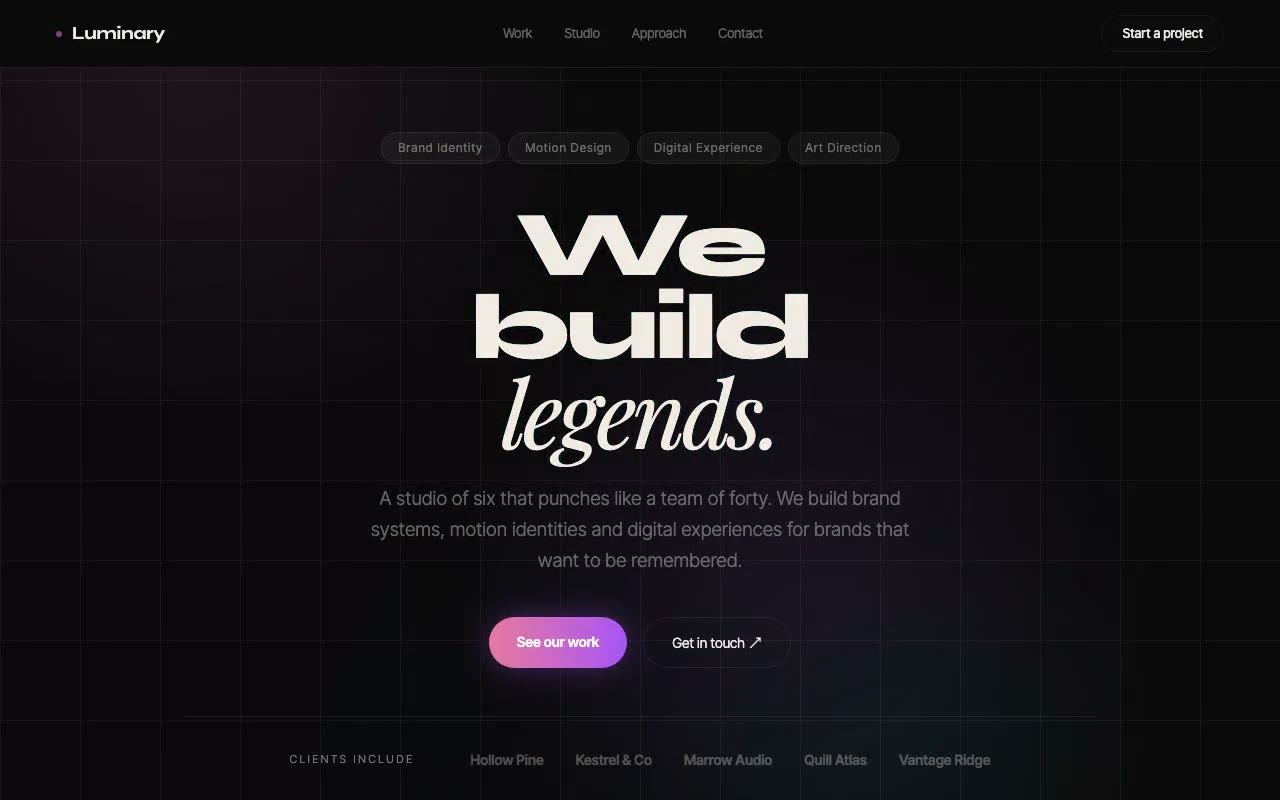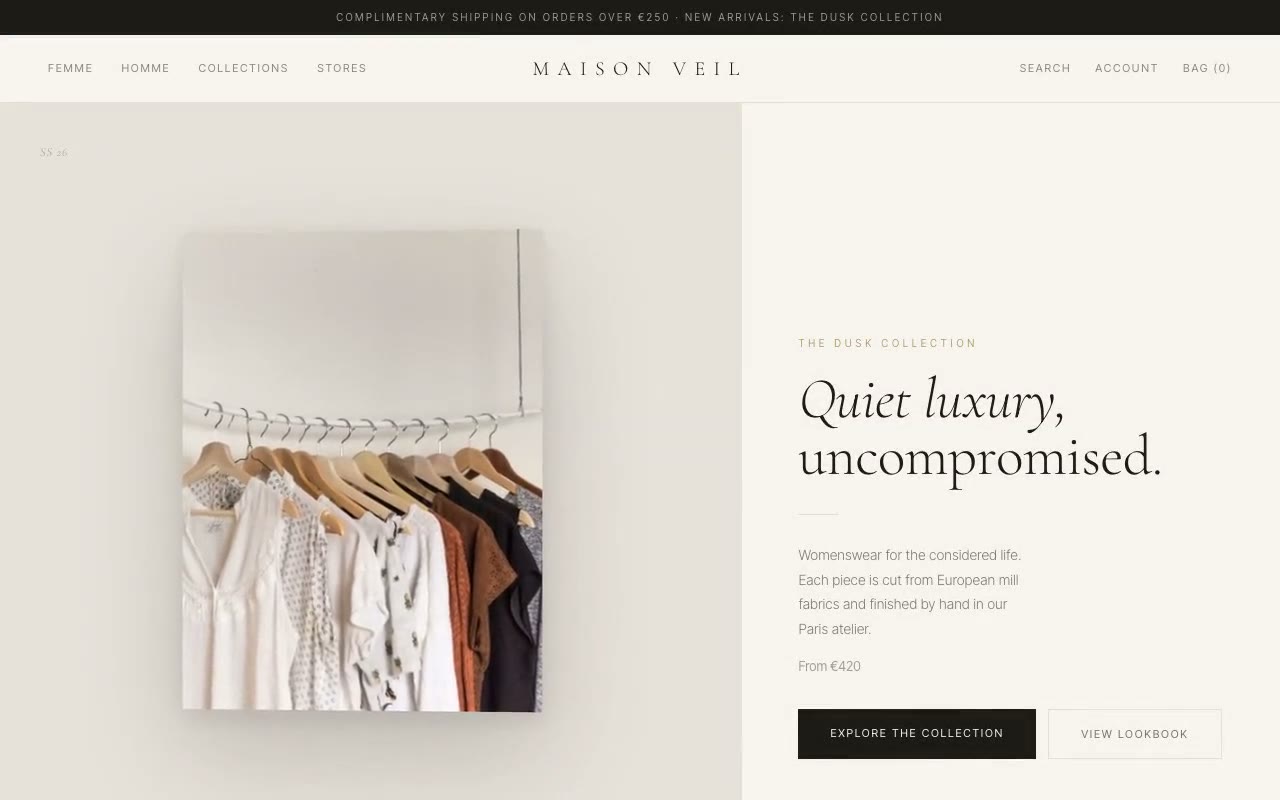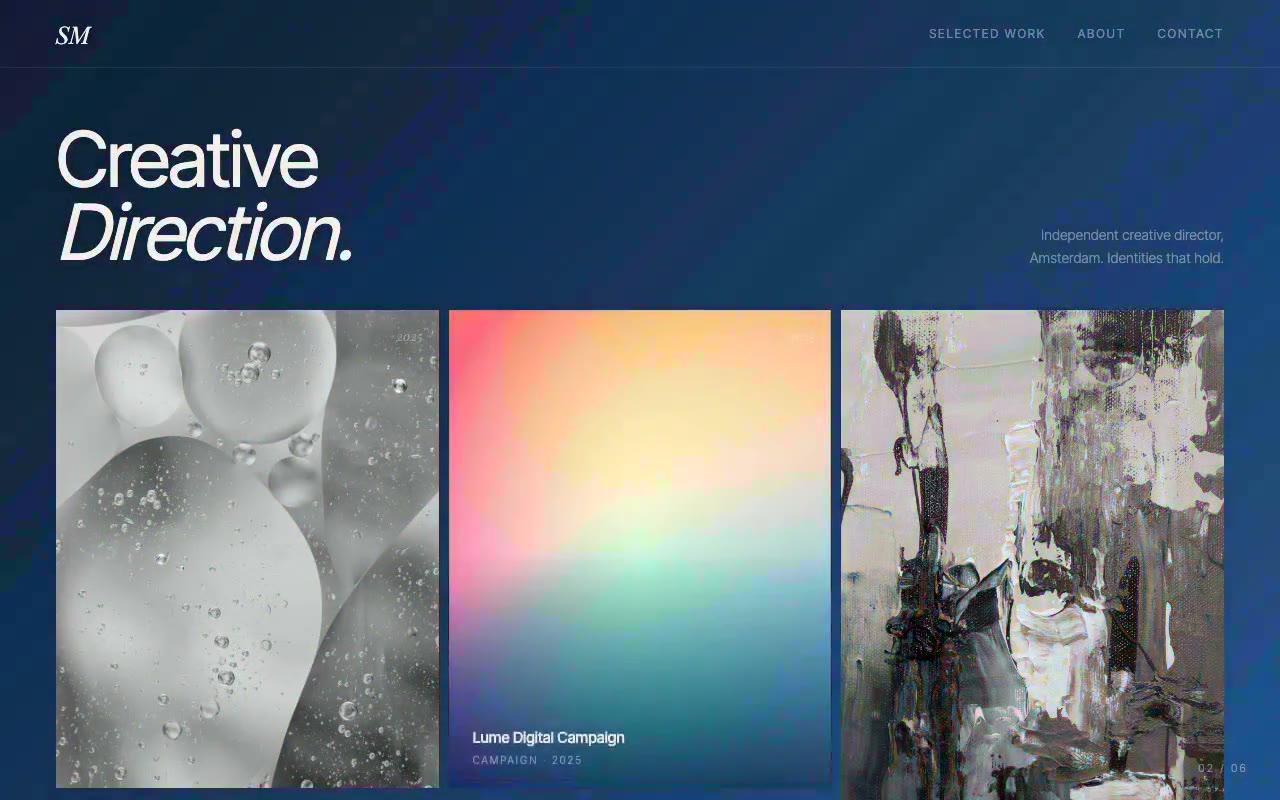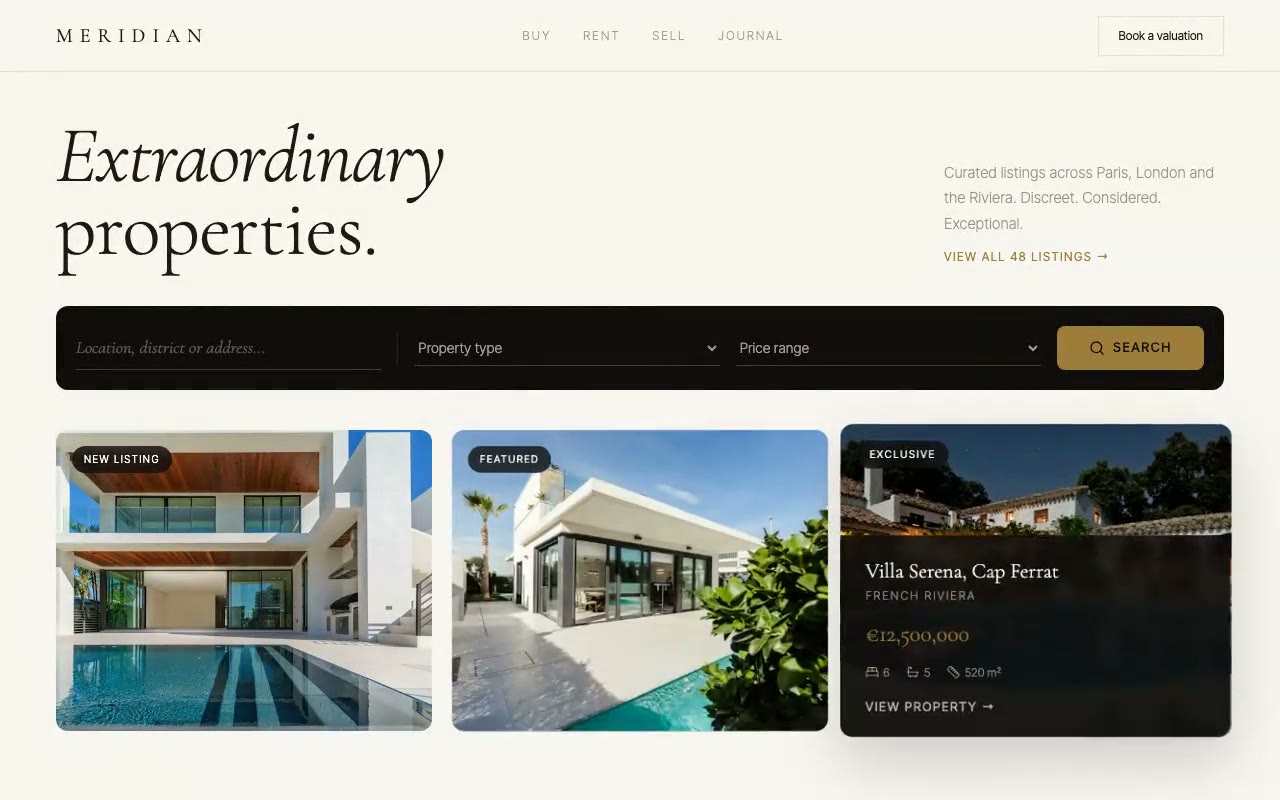
Cream editorial page with a Cormorant headline "Extraordinary properties.", a dark search bar, and three property cards; the active card's photo drifts behind its frame while its gold-priced detail panel slides up.
Meridian — Luxury Real Estate Agency Hero
An editorial luxury real estate hero where the active property photograph drifts against its frame as the cursor moves, and its detail panel slides up. Built for luxury estate agencies, private brokerages and high-end property developers.
Create a free account to copy 3 premium prompts. No card needed
- 01Copy the promptClick the button above to copy the full prompt to your clipboard.
- 02Paste into your AI toolWorks in Claude, ChatGPT, Cursor, v0, Lovable, or Bolt.
- 03Swap in your brand detailsReplace the brand name, copy, and image URLs with your own.
- 04Drop the code into your projectThe output is a self-contained React component. Paste it straight in.
What it generates
- ✓Editorial hero with a 300-weight Cormorant headline and an italic first word
- ✓Dark search bar with underline inputs, a type select, a price select and a gold search button
- ✓Three property cards with 5:4 photography, tag chips and detail panels
- ✓Active card follows the cursor: its photograph drifts ±20px against the frame, lerped at 0.08 per frame
- ✓Idle drift and auto-cycle through the cards when no pointer is present, including touch devices
- ✓Detail panel with address, area, gold price and bed, bath and area stats in Lucide icons
- ✓Staggered fade-up on the header, search bar and cards
- ✓prefers-reduced-motion stops the cycle, the drift and the parallax
Best for
- →Luxury estate agencies and private brokerages
- →High-end property developers
- →Relocation and overseas property specialists
- →Editorial real estate brands with a quiet, considered voice
Not suitable for
- ✕Full multi-page websites (hero only)
- ✕Backend or database logic
- ✕Non-React frameworks (Vue, Svelte, etc.)
Written for
- ✓ClaudePreview built with Claude
- ✓ChatGPTPaste into a chat
- ✓CursorBuild inside your repo
- ✓v0 by VercelComponent generator
- ✓LovableApp builder
- ✓BoltIn-browser builder
Licence
Commercial use included. Use in client projects, products, and paid work. No attribution required.
Common questions
Related reading
Landing Page Hero Section Best Practices for 2026: The 7 Elements
Hero section best practices for landing pages and homepages: the seven elements every hero needs, the mistakes that cost conversions, and a checklist to use today.
Claude Prompts for Web Design: How to Write Them
Claude prompts for web design that produce a site you would ship, not a generic template. The structure, with examples you can copy.
Related prompts