
Consistent AI Brand Mascots: How to Stop Them Drifting
Keep an AI mascot on-model with a written character spec, an approved reference sheet, one-variable pose changes, and a checklist that catches drift early.
An AI mascot drifts because the model has no memory of your character. Each generation rebuilds it from your words, and a phrase like "friendly robot with big eyes" describes thousands of different designs. To keep one mascot consistent, write the character down as a spec with fixed, countable anchors, approve one reference sheet, and change a single variable per generation: a pose or an expression, never both. When you need the mascot in exact sizes or in motion, move to vector or illustration tools.
Why every mascot comes out different
The solution is not a longer prompt. It is a fixed description the model can match against, plus a reference it can see.
Step 1: Build a character sheet
One approved image is worth more than any description. Make a sheet that shows the character from three angles on a plain background:
Then write three lists: the silhouette and features that never change, the variables you allow (pose, expression, one prop), and a short "never" list. The "never" list matters most. It is where you stop the model from adding a second antenna, a cape or an extra eye.
Step 2: Replace adjectives with anchors
Compare two descriptions of the same robot.
Weak: "A friendly round robot mascot with big eyes and a cute antenna."
Anchored: "Head: a rounded rectangle, about 1.2 times as wide as it is tall, corner radius about one-fifth of the head width. Two circular eyes, each one-quarter of the head width, spaced one eye-width apart, centred in the upper half of the head. One straight antenna from top centre, ending in a yellow sphere one-tenth of the head width. Body: half the total height, same colour as the head, no neck. Palette: head #4A7BD0, accent #F2C14E, outline #1E2A3A."
The second description can be checked. You can count the eyes, measure the head, match the hex values and see whether the antenna is in the right place. The first cannot be checked, so it cannot be kept consistent.
Step 3: Use the reference, and change one thing at a time
Here is the workflow that keeps a character steady:
Keep the approved sheet as the master file. Every new image should trace back to it, not to whichever generation looked best last.
Step 4: Vary pose and expression without drift
Build two small libraries.
Poses. Six or so, each one sentence about the body: "arms raised, weight on the left foot, head tilted a few degrees." Describe what the body does and leave the face alone.
Expressions. Five or so, each one sentence about the mouth and brows only: "mouth a small open curve, brows lifted." The eyes stay exactly as the spec describes.
The rule is simple. The character spec is the constant, and the library entry is the one variable. Expressions never change eye size or spacing, because the eyes are where people notice drift first. A mascot that smiles differently is on-model. A mascot with wider eyes is a different character.
Step 5: Check for drift before you use it
Lay each new image beside the approved sheet and run this check:
If two of these fail, regenerate. If one fails, fix it in an editor rather than generating again, because a second generation might fix that point and break two others.
When to move to vector or illustration tools
AI images are good for exploring a character and generating ideas. They are weaker as a master file. Switch to vector or illustration tools when:
Use AI to sketch variations, then redraw the chosen one as a clean master. The master is what you keep.
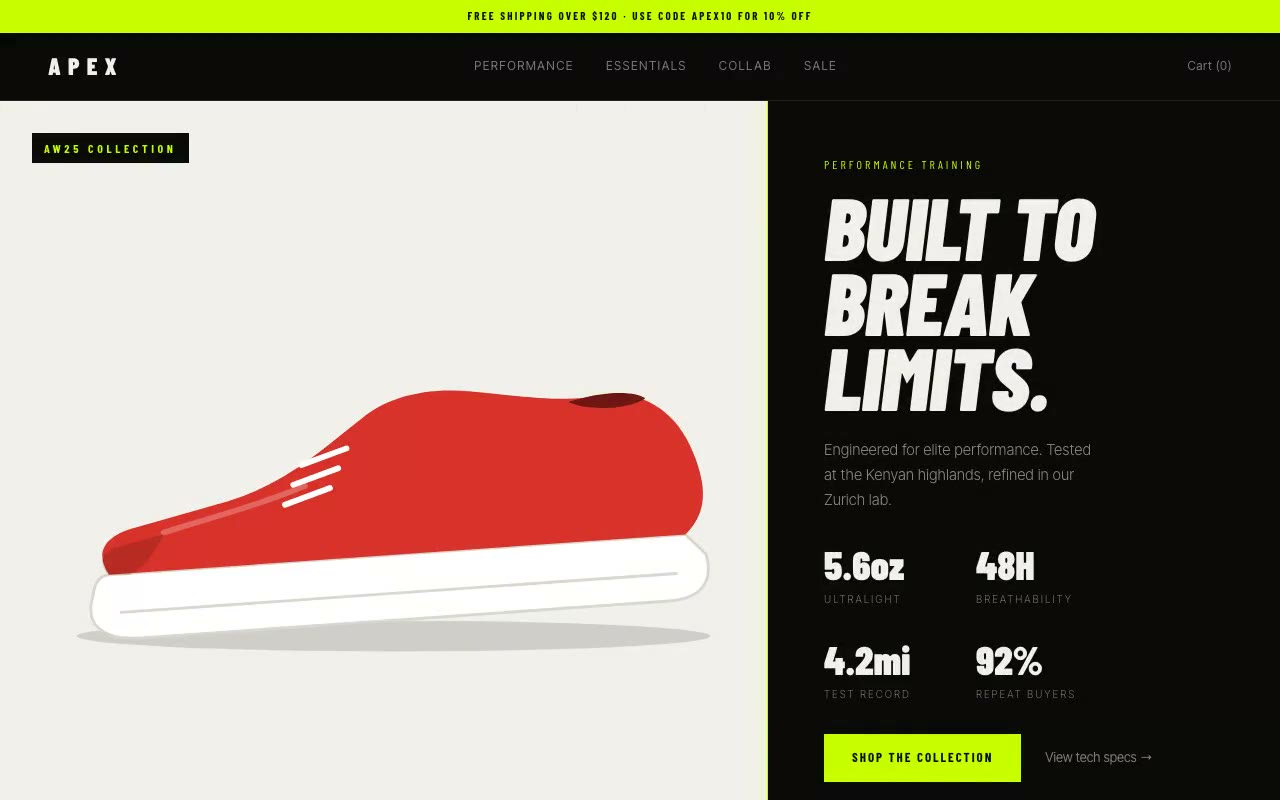
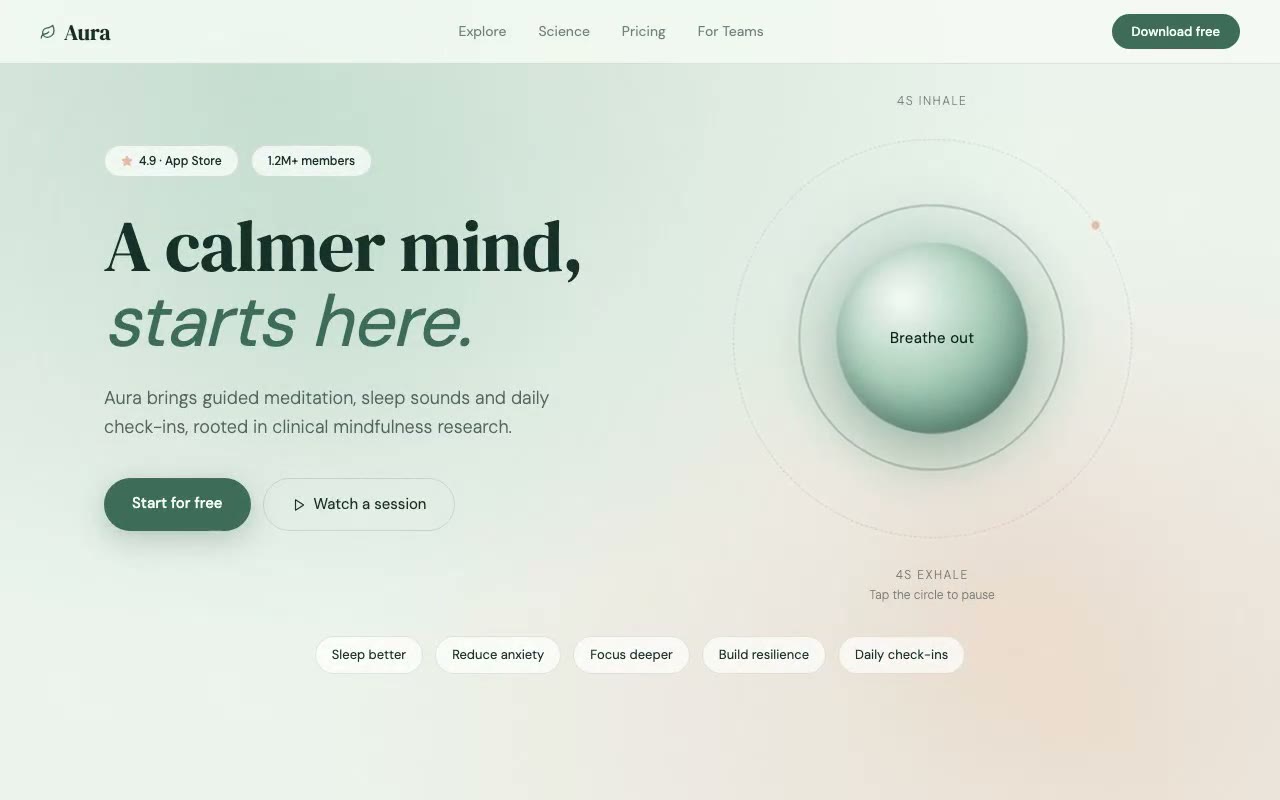
If you want a rule for code, the same reasoning applies to shapes. Nordvik's CUBE 02 viewer builds its object from six CSS faces, so the form is fixed by definition. The Apex Athletic hero draws its trainer as an inline SVG with fixed coordinates, so it looks the same on every load. The breathing orb in the Aura wellness hero is a layered shape built in code and animated on a fixed rhythm, so it cannot drift from one breath to the next.
Character-spec template
Copy this into a file for every mascot. Fill in each field and keep the wording fixed across the series.
A filled example for a fictional garden-tools brand might read: "Name and role: Bramble, a hedgehog who guides readers through setup. Silhouette: a round, low body with a head that narrows slightly toward the snout. Proportions: body 2.5 head units long, head 1 unit. Face: two round eyes, each one-fifth of head width, set two eye-widths apart; small dark nose; mouth a short curve. Features: spines along the back, no more than nine, in one colour. Colours: body #8A6A4F, spines #3E2F24, outline #2A211B, background none. Line: flat, 3px outline, no shading. Views: front, three-quarter, side, neutral. Variation: six poses, five expressions, one hand-held prop. Never: a second character, text on the body, glasses, a change to spine count."
Write the spec once, approve the sheet, and every new image is a question of which variable you are changing today.
FAQ
Why does my AI mascot look different every time I generate it?
The model has no memory of your character. It rebuilds the design from your words each time, and general words like "friendly" or "round" allow many designs. Describe the character with measurable anchors, use an approved reference sheet, and change one variable per image.
Can I use AI to create a brand mascot?
You can use it to explore ideas and to produce rough variations. For a master you will rely on for years, redraw the chosen design in a vector or illustration tool, and check the final design against existing characters before you adopt it.
How do I keep a character consistent across different poses?
Keep the character spec fixed and change only the pose line. Do not change the eyes, proportions or accessories in the same generation. Compare each result with the approved sheet using the drift checklist.
When should I hire an illustrator instead of generating images?
Bring in an illustrator when the mascot must work at many sizes, move in animation, or carry real legal and brand weight. A skilled illustrator can also turn an AI sketch into a clean master that your team can reuse for years.
If you are placing a mascot inside a landing page, read the signs your AI-generated website looks generic for the common mistakes, and mobile app landing page hero sections for how a character fits into an app's first screen. For the layouts themselves, browse the full prompt library.
Build a starter hero prompt in four questions with the free generator, or copy five prompts from the library with no account.
Get the next guide by email
New hero prompts and practical AI design guides like this one, when they go live. No spam, unsubscribe any time.
By signing up you agree to receive these emails. See our privacy policy.
Prompts from this article
Apex Athletic — Sportswear E-Commerce Hero
A split-screen sportswear hero where a lime divider sweeps across a black-and-white product image to reveal full colour, while performance stats count up beside it. Built for athletic apparel, performance gear and DTC sports brands.
Aura — Wellness & Mindfulness App Hero
Calm split-screen wellness hero with a layered breathing orb that runs on load, pauses on click and keeps its glow in step with a 4-second inhale and exhale. Built for meditation, sleep and mental-health apps.
The prompts in the HeroPrompts library are engineered at the level of detail described above — every font, colour, interaction, and animation specified. Skip the iteration and ship a hero section that looks like it cost money.
Consistent AI Product Renders: Six Fixes That Work
Get the same product angle every time: use a reference photo, lock the camera in words, reuse one shot spec, edit instead of regenerating, recolour in code.
GuidesHow to Generate AI Hero Images for a Landing Page (With Prompts)
Set the aspect ratio, leave room for the headline and match your palette, then use a five-part prompt that fits the frame. With a checklist and FAQ.
DesignAnimated Hero Section Examples: 12 Live Previews, Explained
Twelve animated hero sections from our library, grouped by technique. Each shows the mechanic, why it works and a prompt excerpt you can reuse.